
Revision sheet
Testicular prosthesis insertion
7 steps, each one the authored title and caption from the interactive animation, with the frame captured from that step. Read it before the case, or print it and work through the steps in order.
Teaching only, not for diagnosis or treatment decisions. The text on this sheet is the animation's own step copy, reproduced verbatim.
UrOops3D · UroRef · © Nity G
- 01
Consent and sizing
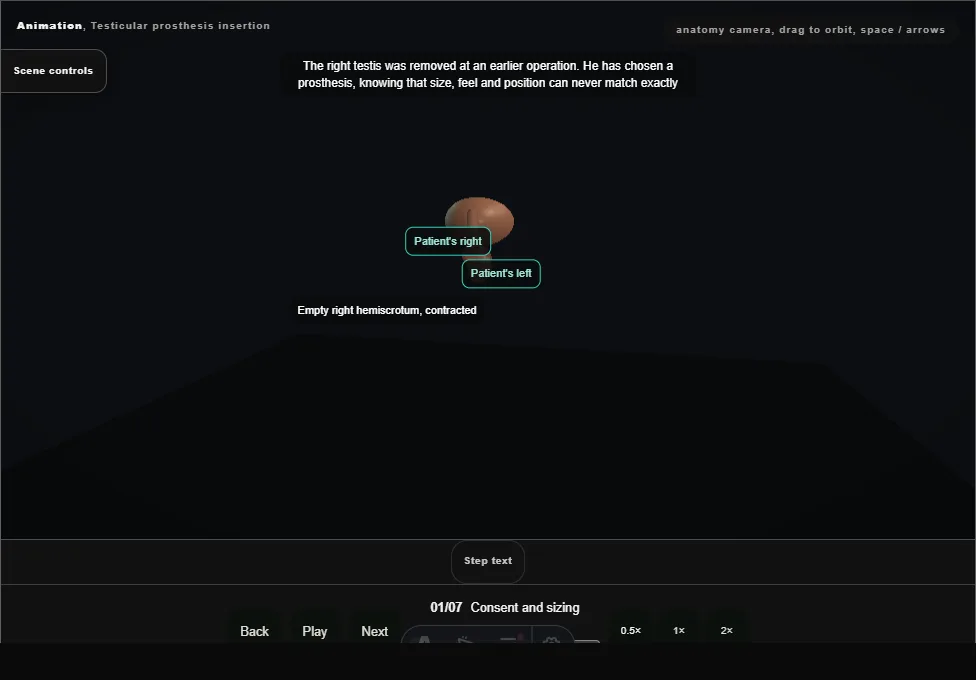
- The right hemiscrotum is empty and contracted after an earlier orchidectomy.
- The left testis is felt and sizers are held beside it; the matching size is chosen before the incision.
- 02
High scrotal incision
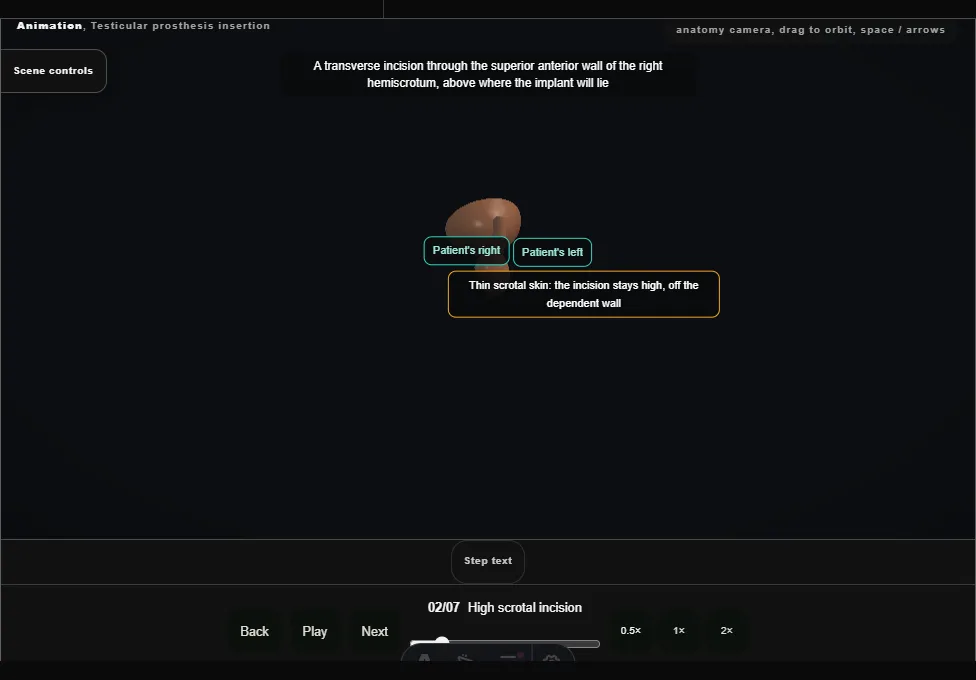
- A transverse incision through the superior anterior wall of the right hemiscrotum, above where the implant will lie.
- The dartos is divided with diathermy.
- 03
Dependent pouch
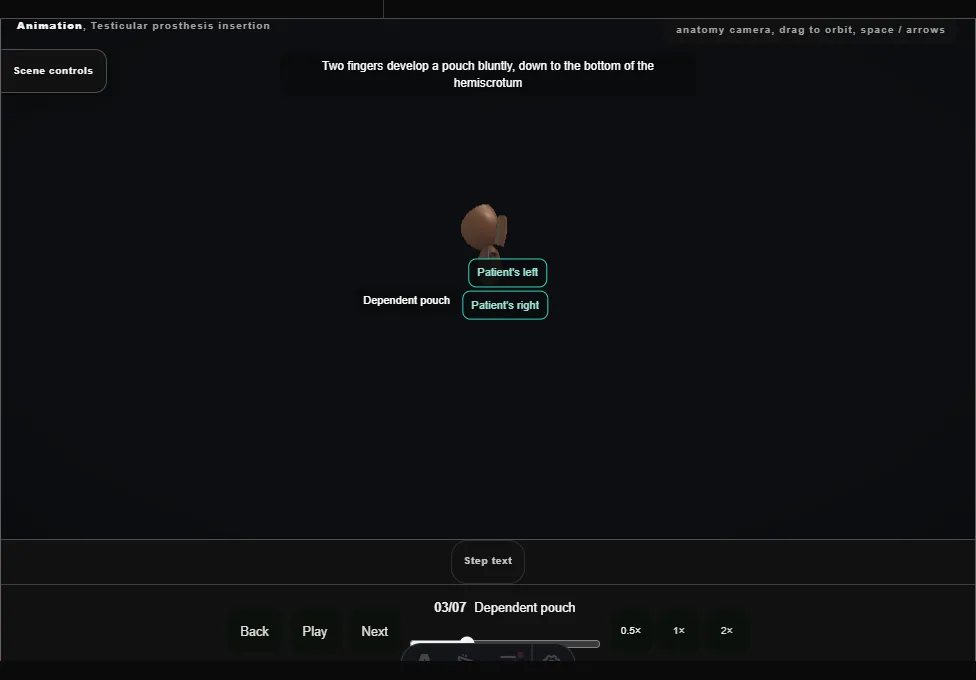
- Two fingers develop the pouch bluntly, right down to the bottom of the hemiscrotum, keeping off the septum and the left testis.
- A pouch too small or too high leaves the implant riding high.
- 04
Base inverted, fixation stitch
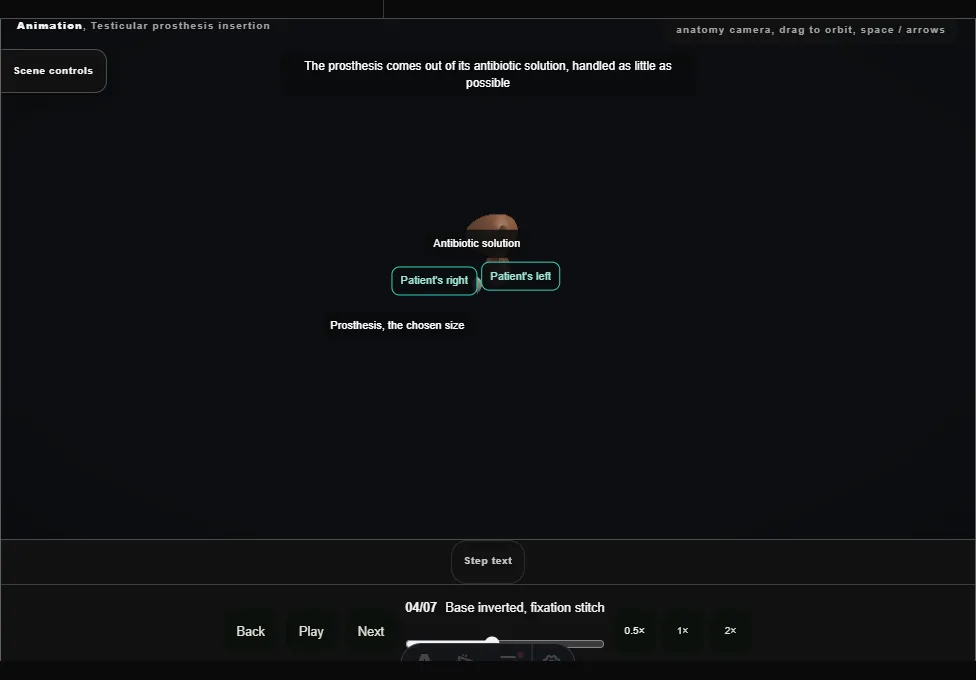
- The prosthesis comes out of its antibiotic solution.
- An Allis clamp inverts the base of the scrotum toward the wound, and a stitch goes through the inner scrotal wall and the dependent loop of the prosthesis.
- 05
Prosthesis placed
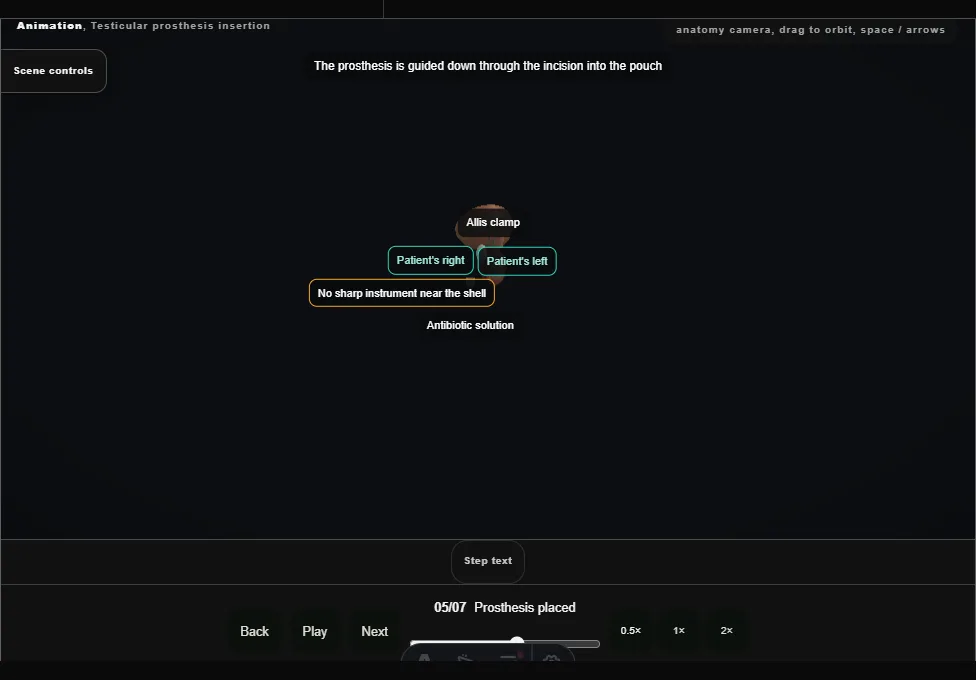
- The prosthesis is guided down into the pouch as the base is let go; the stitch takes its loop to the bottom and is tied.
- It sits comfortably, level with the left testis.
- 06
Neck purse-string
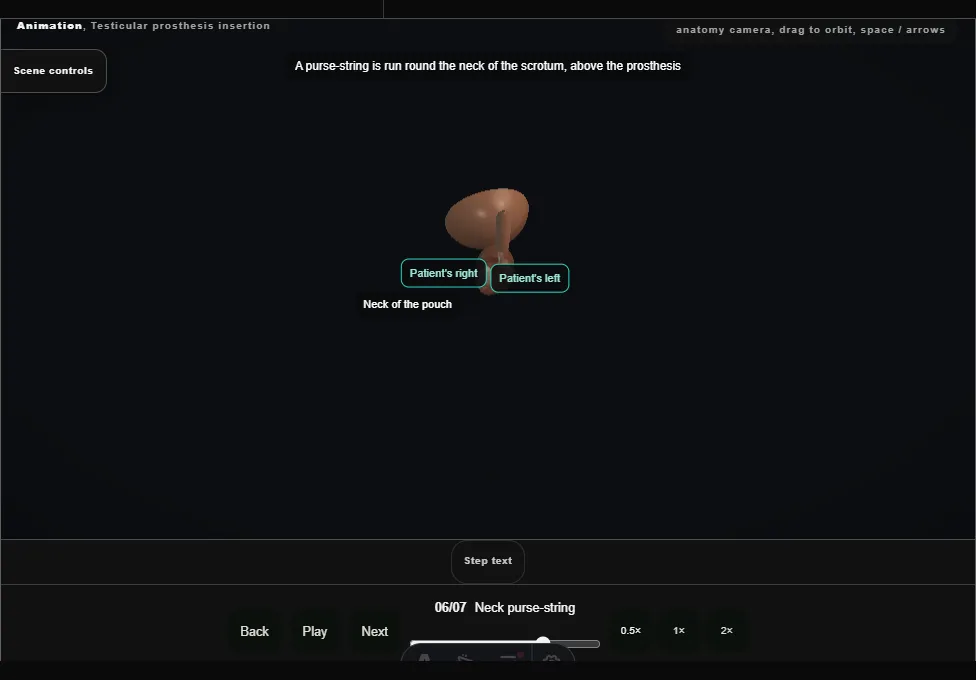
- A purse-string round the neck of the scrotum, above the prosthesis, closes the pouch so that the implant cannot migrate upward.
- It is tied without tension on the implant.
- 07
Closure, no drain
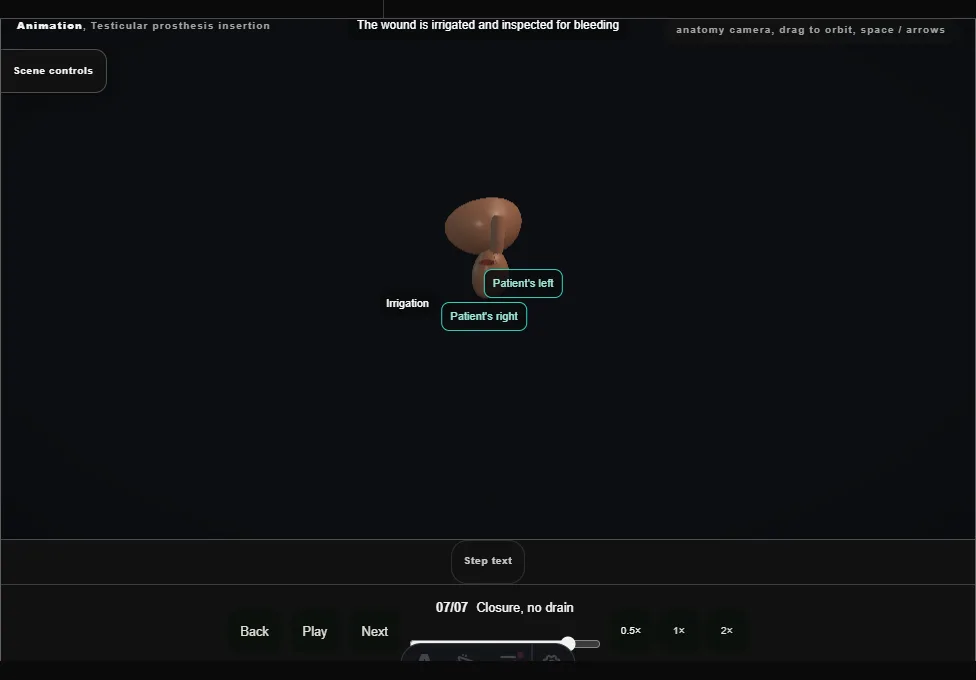
- Irrigation, haemostasis, the dartos closed with a running stitch and the skin with a subcuticular one, adhesive strips, a dressing and a scrotal support.
- No drain.
Derived from scrotal/TesticularProsthesisScene.tsx at build time: every step title and caption above is the authored
ProcedureDef text, reproduced verbatim, and this page shares its readable-points renderer with the animation
itself. 7 of 7 steps have a captured frame.
Text fingerprint 42585e972e7f9528. A caption edit without a re-capture fails the production
check, so the sheet and the animation cannot drift apart silently.