
Intra-operative · operative animations
Explore the animations.
140 animations, organised by anatomy with new and updated scenes first in each area.
Choose an operation to explore its anatomy, danger zones and related teaching.
Open on a phone to use AR
Lower urinary tract
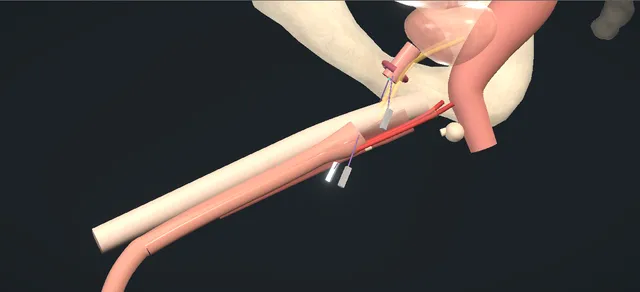
The delayed perineal repair of a pelvic fracture urethral injury: the scar excised onto a sound, the gap bridged step by step, a tension-free anastomosis.
View in 3D Animated lesson in AR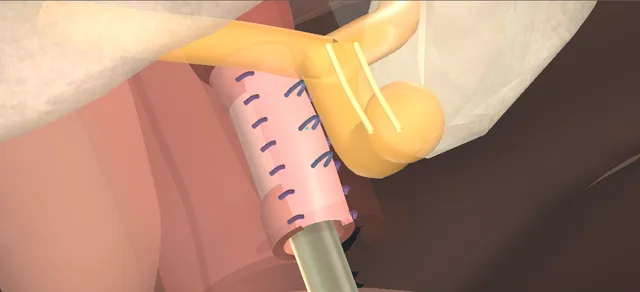
Dorsal onlay buccal graft for a female stricture, with the sphincter and the vaginal wall left alone.
View in 3D Animated lesson in AR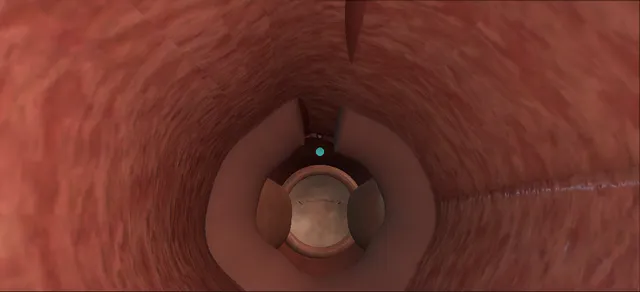
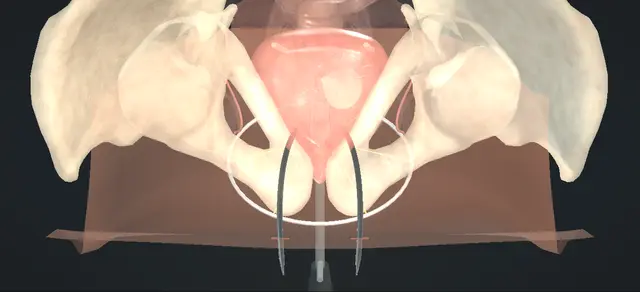
A tape under the mid-urethra, each arm carried up the back of the pubis on a trocar: the bladder drained and looked at before the tape is drawn, and the tape left loose.
View in 3D Animated lesson in AR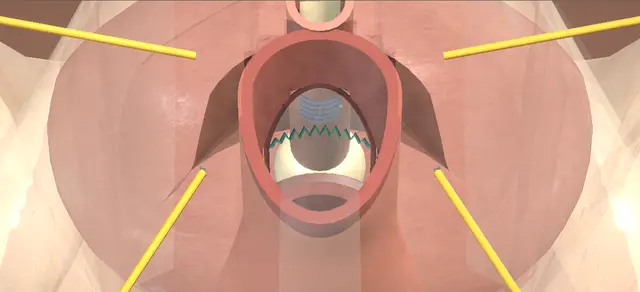
The sac out whole at its neck, then three layers back: the urethra along, the fascia across, the vaginal flap over both.
View in 3D Animated lesson in AR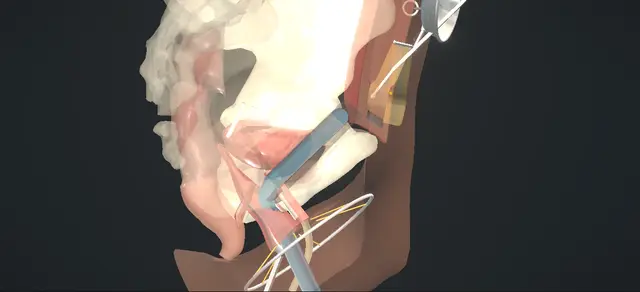
A strip of rectus sheath under the bladder neck: the finger tunnel behind the pubis, cystoscopy before the tie, and a loose knot.
View in 3D Animated lesson in AR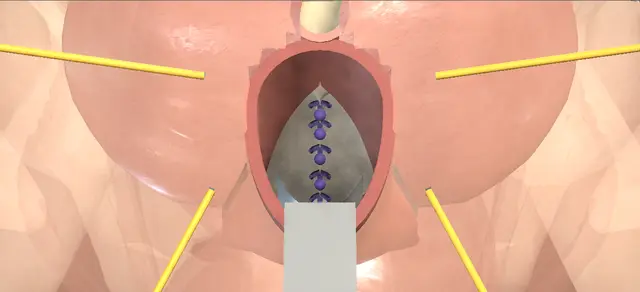
Native-tissue cystocele repair: a midline plication that lifts the bladder, the fascia sutured back to the arcus on each side.
View in 3D Animated lesson in AR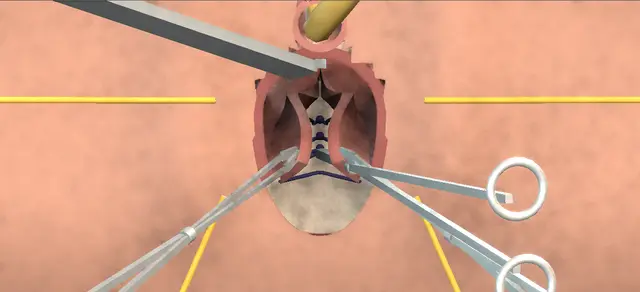
A native-tissue posterior repair: the fascia plicated over the rectum, the calibre checked before closure.
View in 3D Animated lesson in AR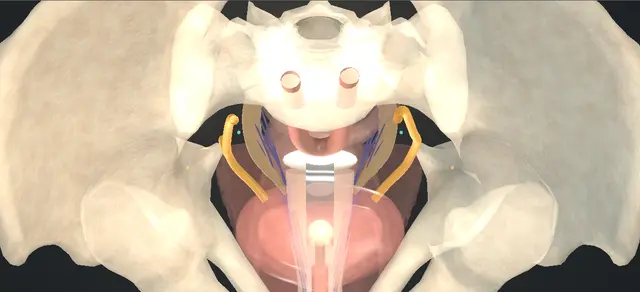
The vault brought out and the enterocele opened; three sutures through each uterosacral ligament lift the apex, then cystoscopy for ureteric efflux.
View in 3D Animated lesson in AR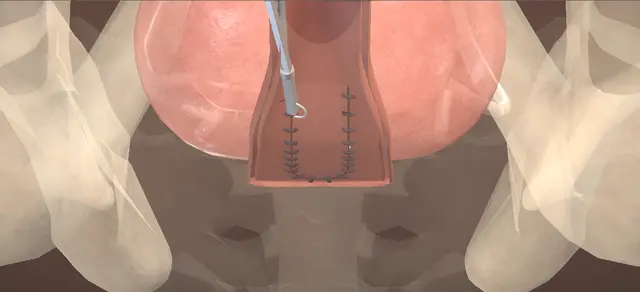
A fistula at the vault after hysterectomy, closed through the vagina: an inverted-U flap, the tract excised, two crossed bladder layers and the flap advanced as a third.
View in 3D Animated lesson in AR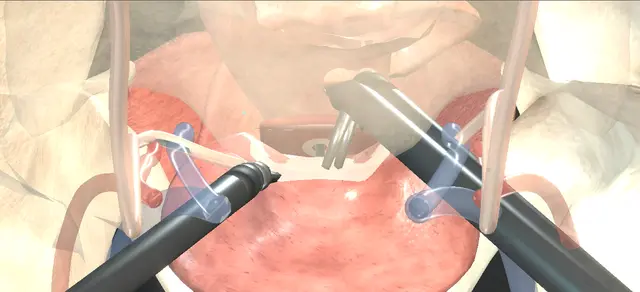
Ureters catheterised, bladder parted from the vault, two crossed closures, omentum laid between.
View in 3D Animated lesson in AR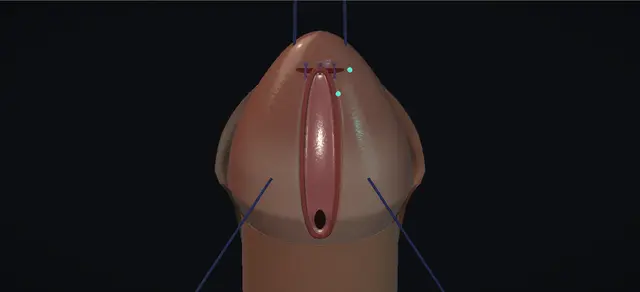
A meatus at the corona on a straight penis. The bridge beyond it cut vertically and closed across, the ventral edge lifted on a hook, the glans closed under it in three layers. Nothing is tubularised.
View in 3D Animated lesson in AR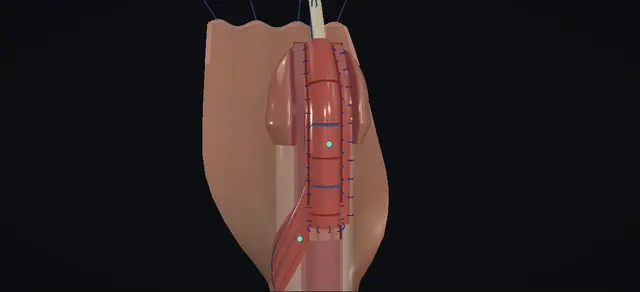
The plate kept flat, an island of inner prepuce on its dartos pedicle carried round the shaft and laid on it. The pedicle is the lesson.
View in 3D Animated lesson in AR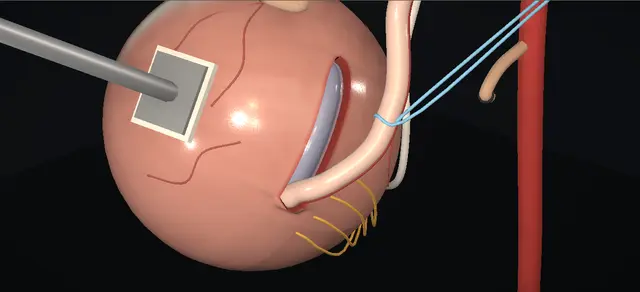
Reflux repaired from outside the bladder: the obliterated artery divided, the detrusor split down to a bulging mucosa, the ureter laid in and the muscle closed loosely over it. The bladder is never opened.
View in 3D Animated lesson in AR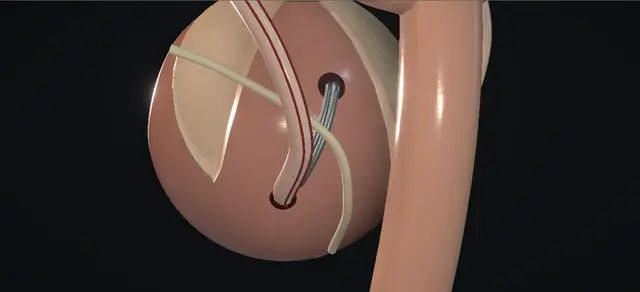
Reflux that will not settle: the ureter taken out of its own hiatus, round behind the bladder and in through a new one higher up, then tunnelled down to open where it always did.
View in 3D Animated lesson in AR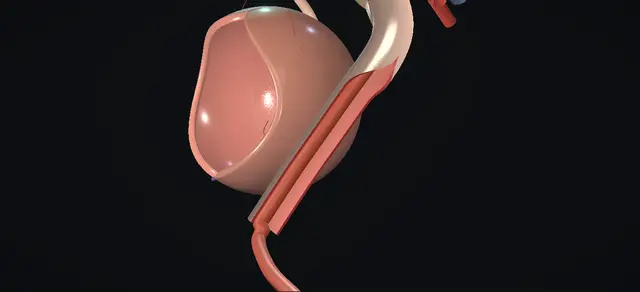
A ureter too wide to reimplant as it is: freed inside the bladder and then outside it, its narrow end removed, a strip of lateral wall excised over a catheter away from the medial vessels, and the tapered ureter drawn across the trigone under the mucosa.
View in 3D Animated lesson in AR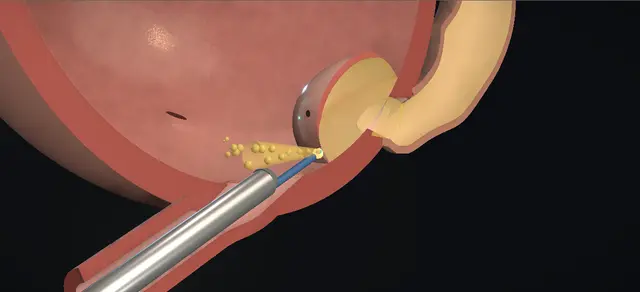
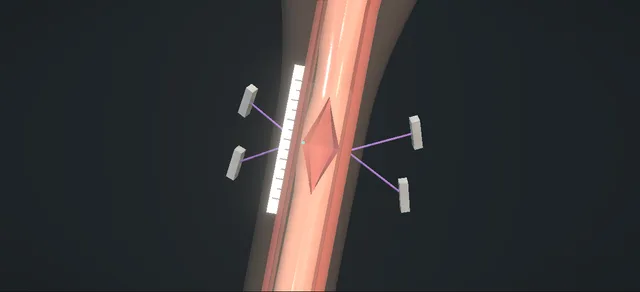
The scar excised, both ends opened dorsally, the ventral walls joined in two layers and an oral graft quilted to the corpora in the dorsal diamond.
View in 3D Animated lesson in AR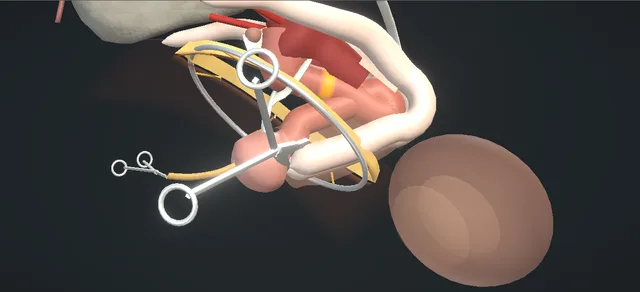
The whole urethra out through the perineum after cystectomy: off the corpora to the glans, the meatus cored out, the bulbar arteries tied, the stump freed from under the bowel.
View in 3D Animated lesson in AR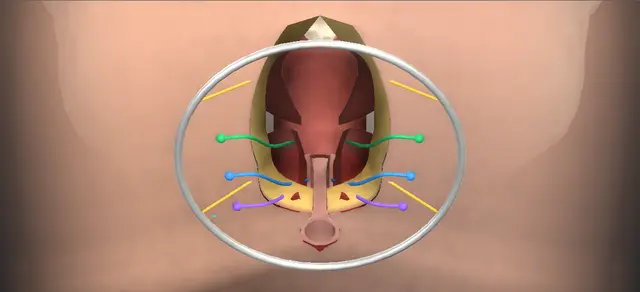
A rectourethral fistula after prostatectomy, repaired from behind: each sphincter layer divided and marked with its pair, the track excised, three suture lines that do not overlie, every layer tied back to its partner.
View in 3D Animated lesson in AR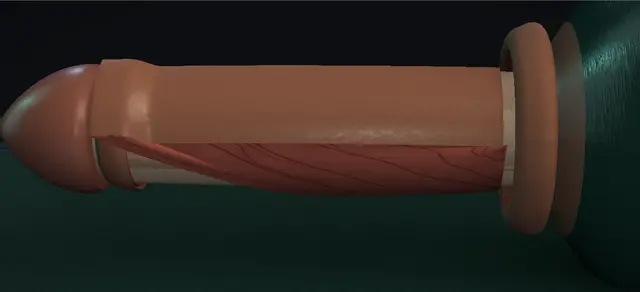
A ring of distal penile skin on its dartos pedicle: two cuts in two planes, the ring opened to a strip, brought round and turned over on to the opened urethra, skin to the lumen.
View in 3D Animated lesson in AR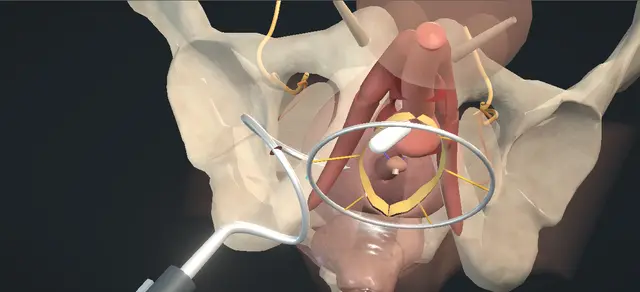
A transobturator sling after prostatectomy: the bulb bared, the central tendon cut, a helical passer round each ramus, the body fixed on the bulb and the bulb drawn up.
View in 3D Animated lesson in AR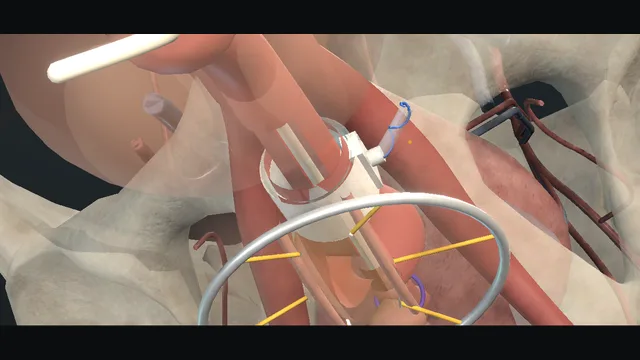
The post-prostatectomy pelvis: the plane on the white tunica, the cuff sized without squeezing, the balloon in Retzius, the pump dependent, cycling and the six-week deactivation. Erosion, infection and the atrophy that leaks again.
View in 3D Animated lesson in AR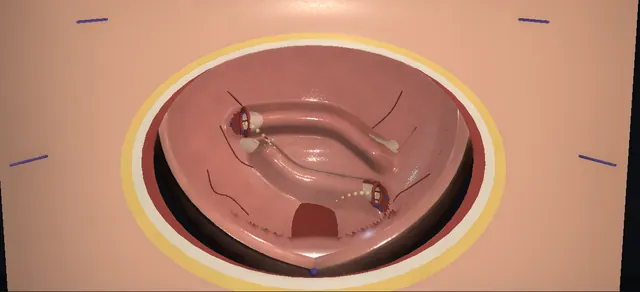
Reflux that will not settle: the ureter freed on its cuff, drawn across the trigone under the mucosa, and sewn in on the far side. No twist, no kink, no tension.
View in 3D Animated lesson in AR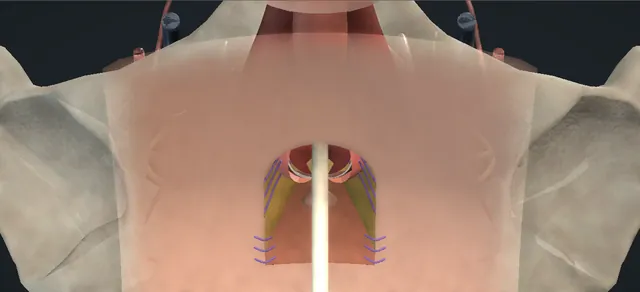
An inverted-U flap turned into a ventral bulbar urethrotomy. A broad base, the apex stitch, mucosa to skin all round; stenosis is the late failure.
View in 3D Animated lesson in AR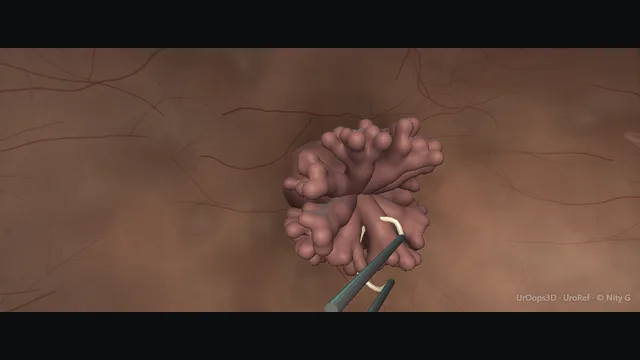
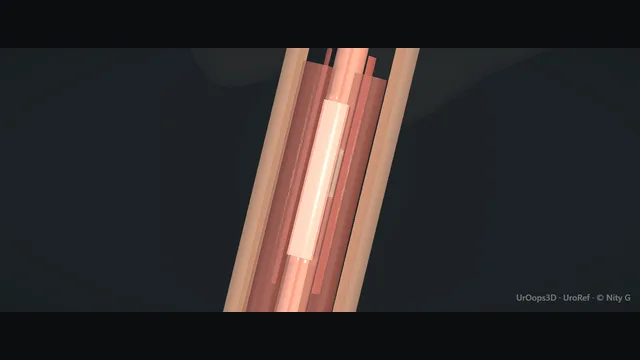
Short strictures excised and joined; long ones grafted from the cheek. Tension is the enemy.
View in 3D Animated lesson in AR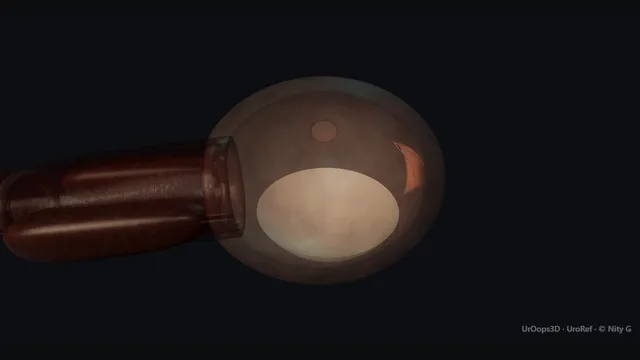
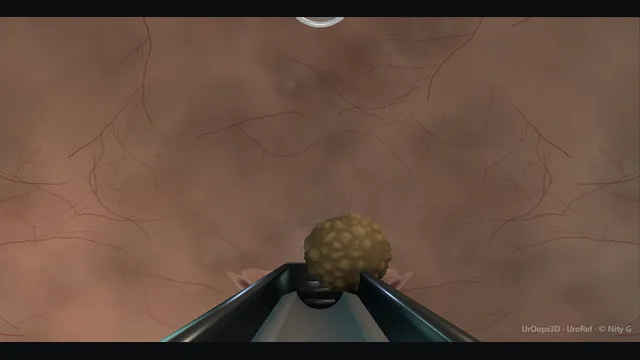
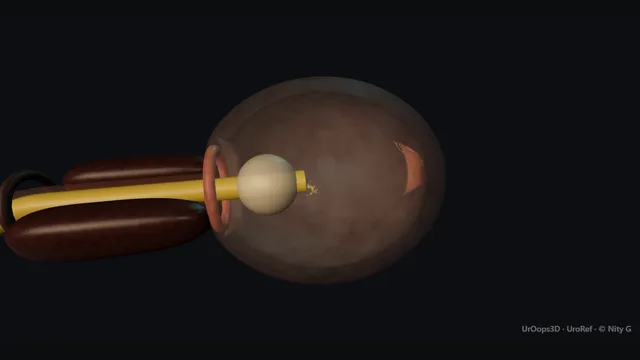
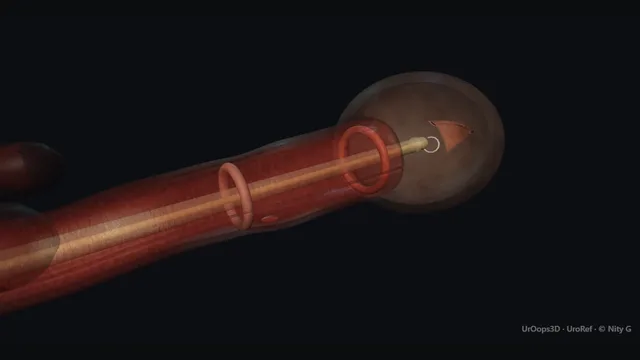
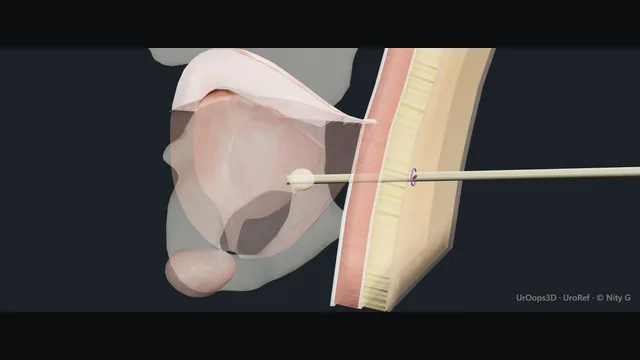
A filled bladder, a clear window and a midline track. The bowel between the wall and an empty bladder is the whole danger.
View in 3D Animated lesson in AR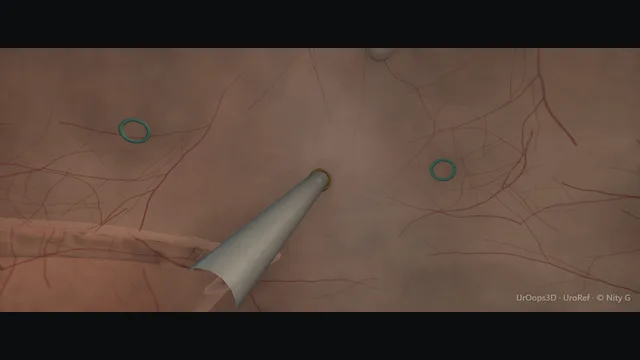
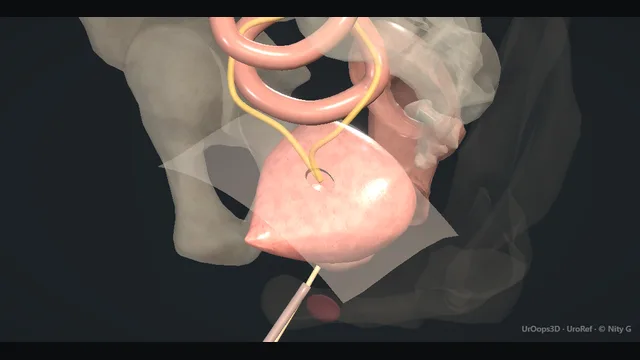
A properly filled cystogram, then the intraperitoneal from the extraperitoneal decision, and the fixator that blocks the track.
View in 3D Animated lesson in AR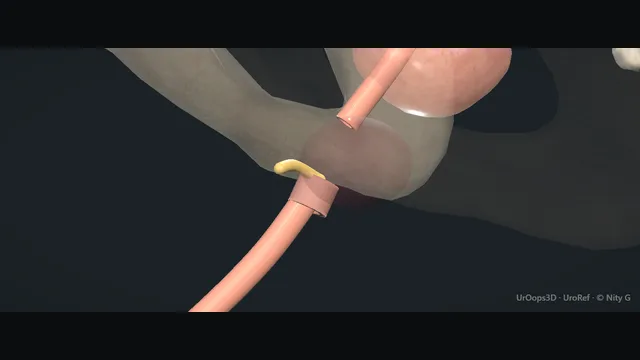
Blood at the meatus, a gentle study, a suprapubic drain and a reconstruction planned for months later.
View in 3D Animated lesson in AR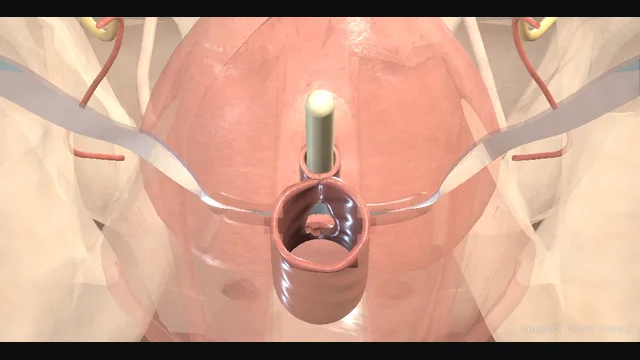
Mid-urethra, para-urethral tunnels, the trocar through the obturator foramen, and the retropubic danger it avoids.
View in 3D Animated lesson in AR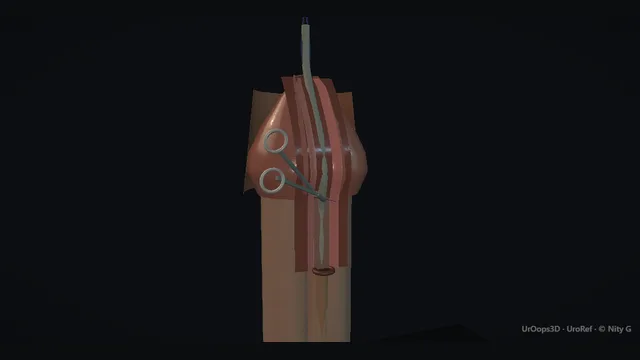
The plate incised, tubularised, covered. The fistula is the complication every parent asks about.
View in 3D Animated lesson in AR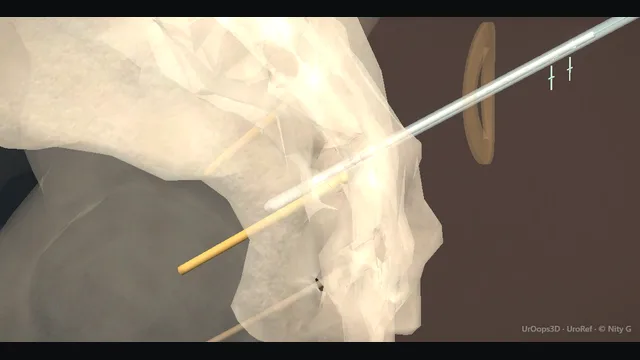
S3 foramen needle, motor responses, tined lead and the two-stage trial. Wrong level, infection, migration.
View in 3D Animated lesson in AR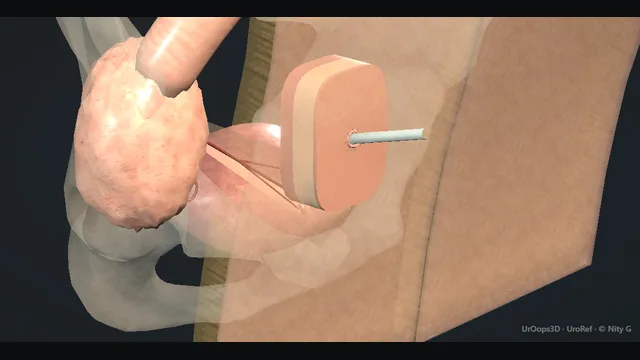
The appendix becomes a catheterisable channel with a flap-valve tunnel. Stenosis is the long-term enemy.
View in 3D Animated lesson in AR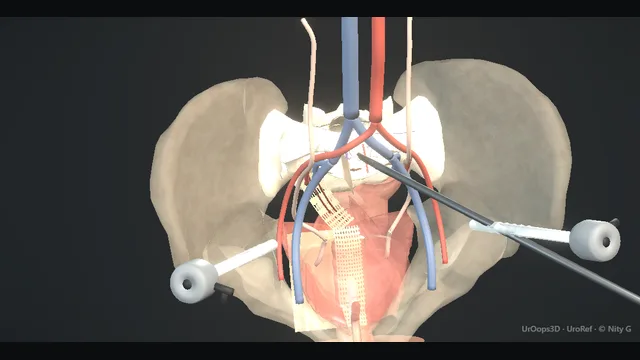
The vault lifted to the promontory. Presacral veins, ureters, and the mesh that must be covered.
View in 3D Animated lesson in AR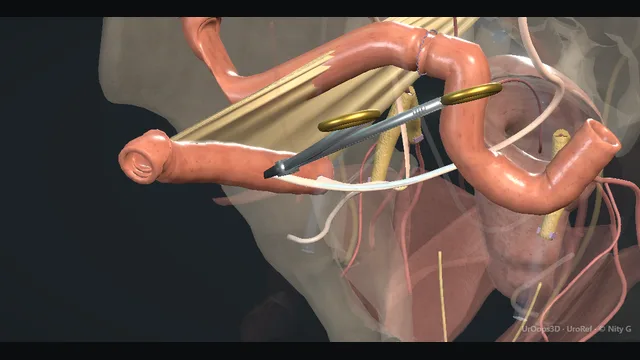
The bladder out, the bowel in, the stoma marked. Rectum behind, ureters above, venous plexus below.
View in 3D Animated lesson in AR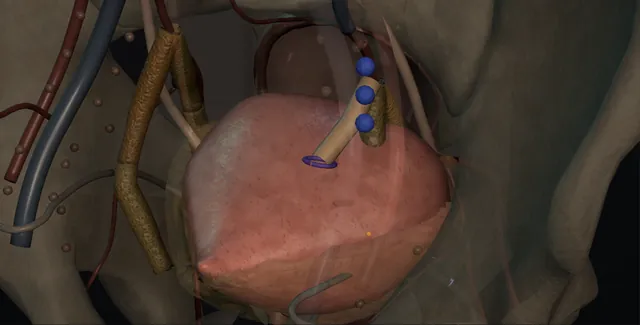
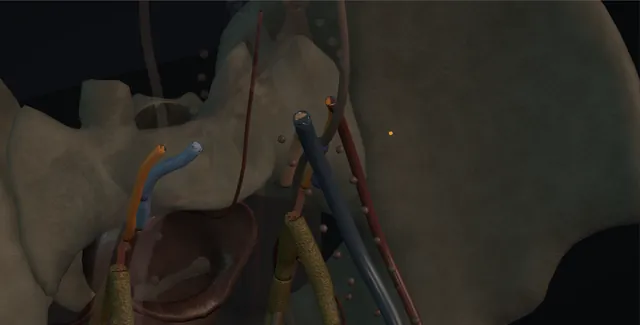
Bladder, prostate and rectum out as one piece: the sidewall planned, the internal iliacs ligated beyond the superior gluteal, the perineal phase from below, a conduit and a colostomy, and a flap so the pelvis is never left empty.
View in 3D Animated lesson in AR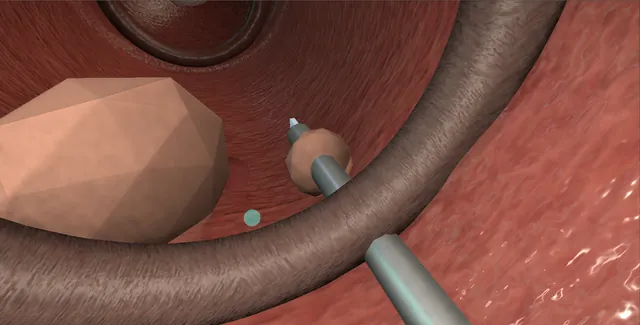
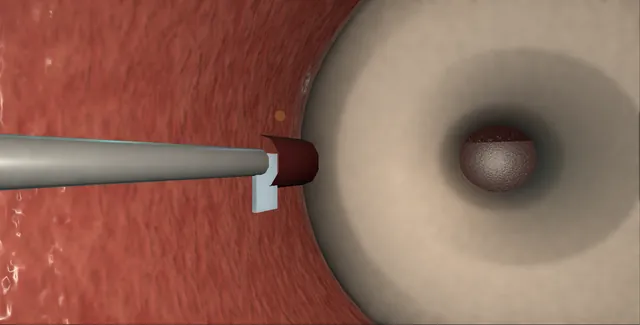
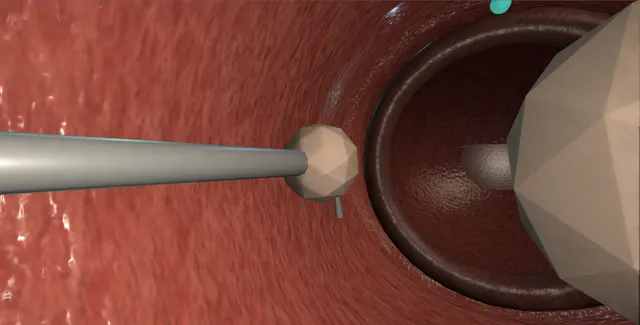
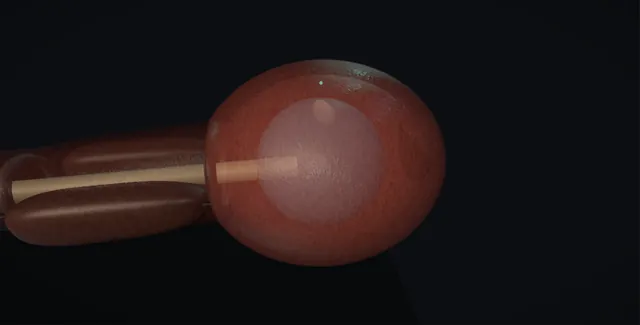
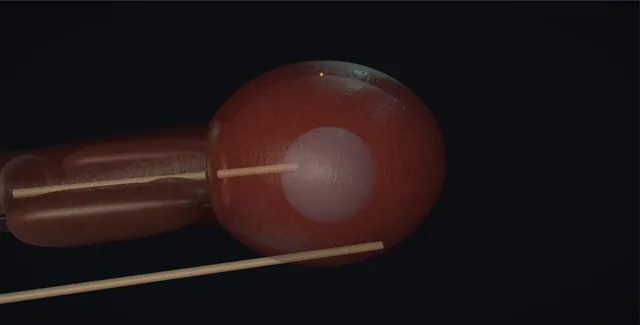
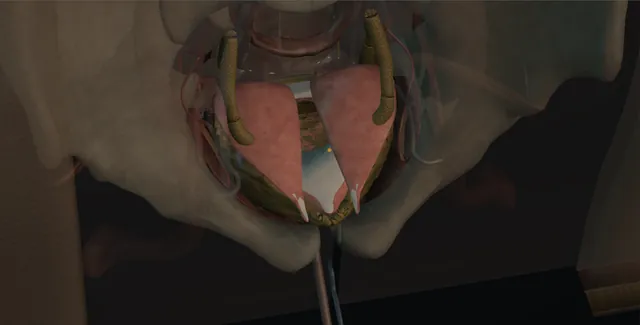
The bladder bivalved like a clam from neck to trigone, twenty centimetres of ileum opened along its border and folded into a cup, sewn to the rim watertight, and the catheterisation, mucus and acidosis that follow for life.
View in 3D Animated lesson in AR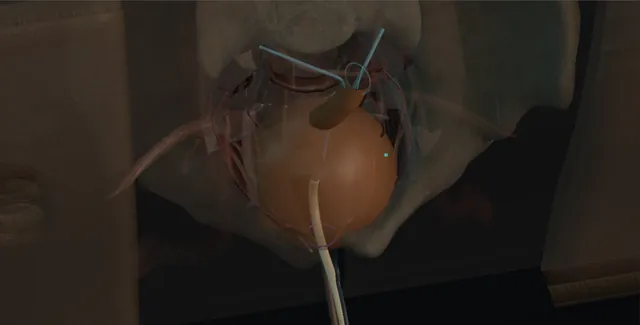
Fifty-five centimetres of ileum, forty detubularised and folded into a sphere, the proximal fifteen kept as the afferent limb for the ureters, and the dependent point sewn to the urethral stump over a catheter.
View in 3D Animated lesson in AR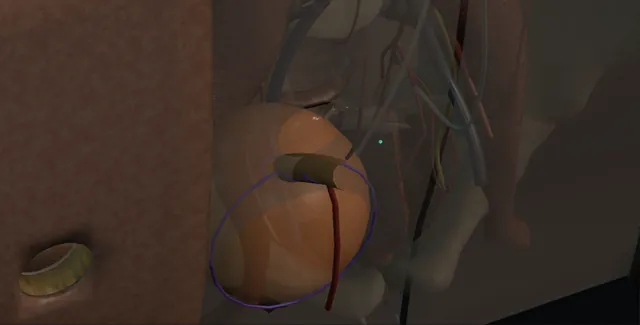
The right colon opened along its taenia and closed as a reservoir, the terminal ileum tapered over a 12 French catheter and the valve plicated, the ureters into the back wall, and a flush stoma catheterised for life.
View in 3D Animated lesson in AR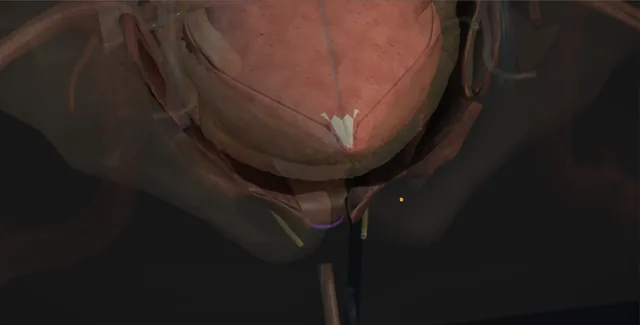
The outlet that cannot be saved: the neck dissected off the prostate, the urethra divided, both ends closed in layers with omentum laid between them, and the suprapubic or the channel decided before the first cut.
View in 3D Animated lesson in AR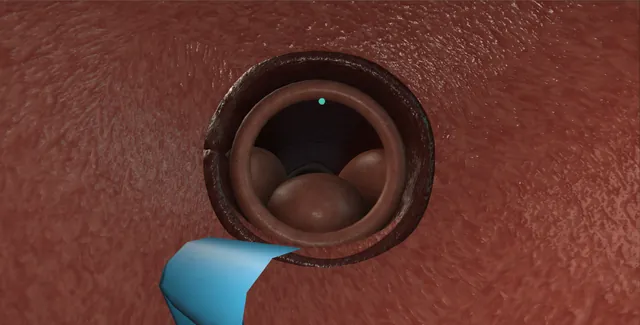
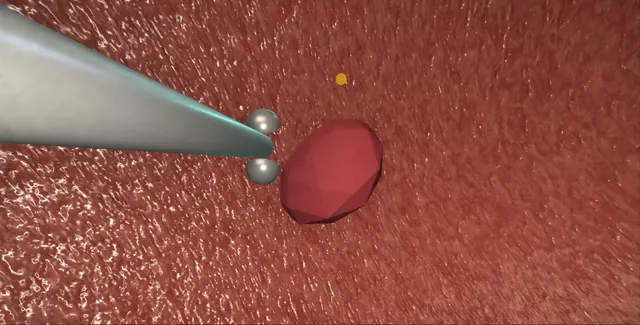
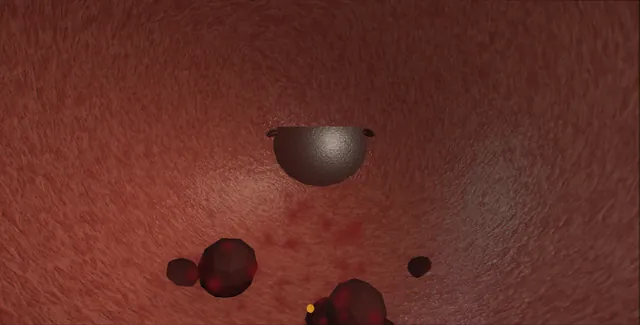
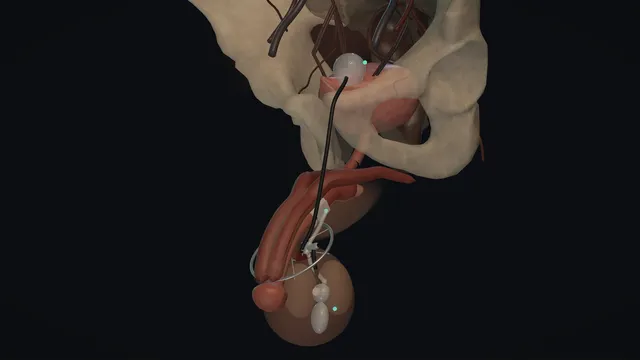
Supine, one upper scrotal incision: the corpora followed to the bulbar urethra, the cuff sized and locked, the balloon carried through the external ring, the pump dropped into a dependent pouch, then deactivated. Distal cuff, tight sizing, high pump and the catheter rule.
View in 3D Animated lesson in AR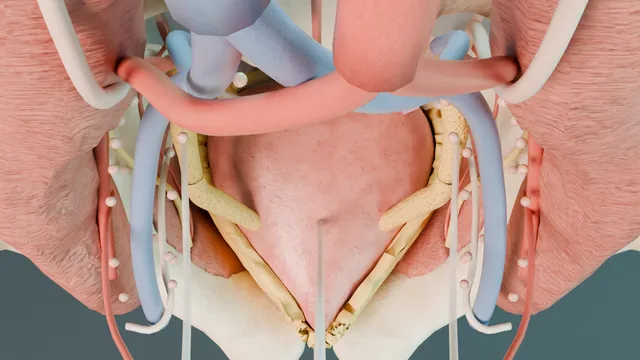
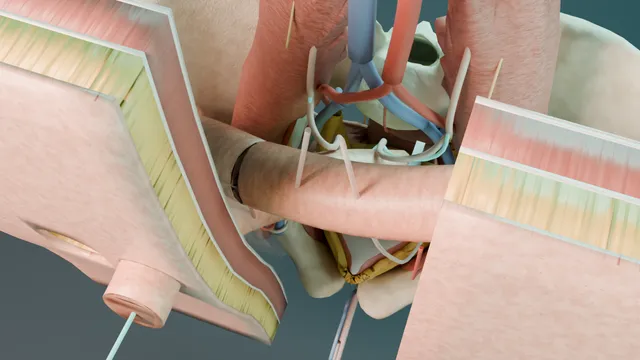
Prostate
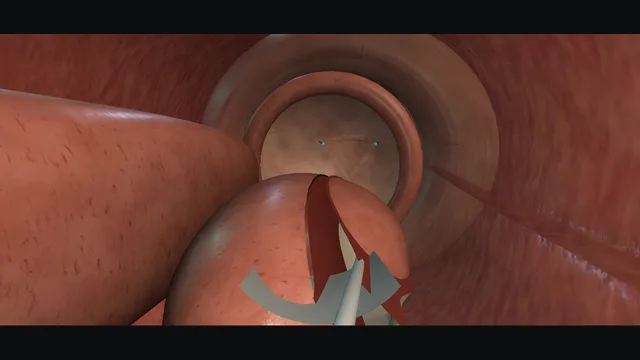
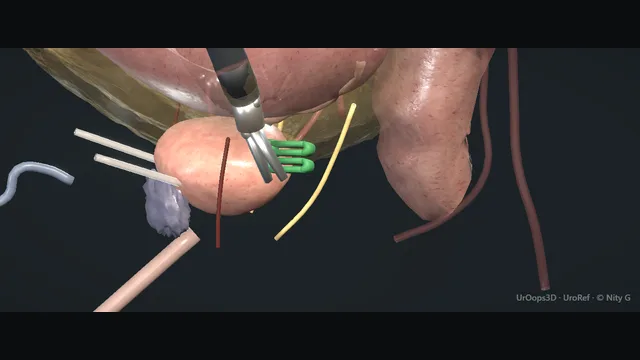
Bladder neck, seminal vesicles, Denonvilliers’ plane, nerve-sparing pedicles and the apex. Rectum, ureter and anastomotic leak.
View in 3D Animated lesson in AR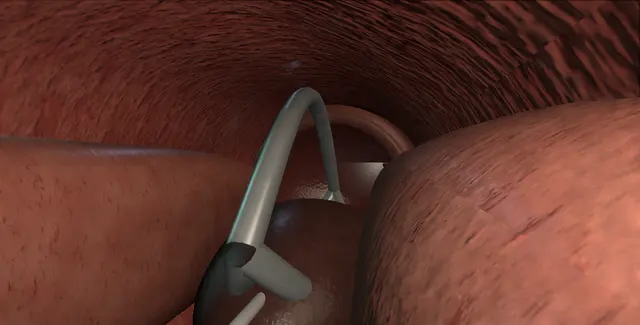
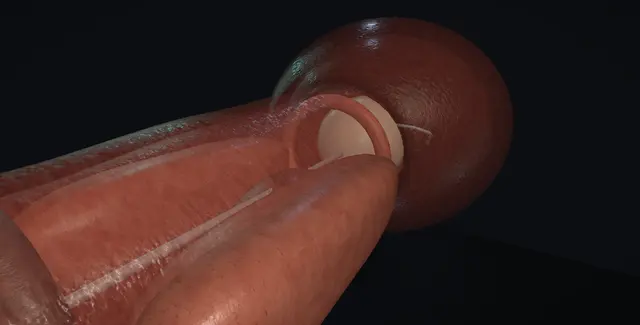
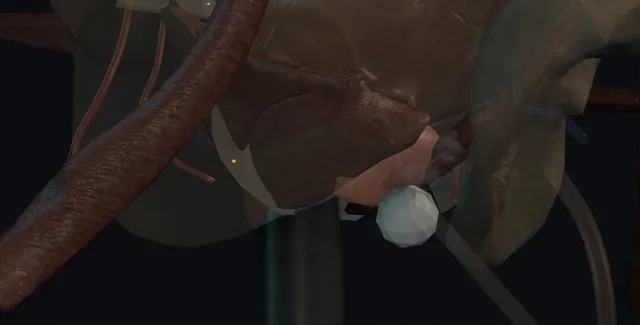
The MRI first, the probe in the rectum and the grid on the perineum, the block at the apex, targeted cores through the lesion, systematic cores by sector, and the apex and anterior gland that the transrectal needle never reached.
View in 3D Animated lesson in AR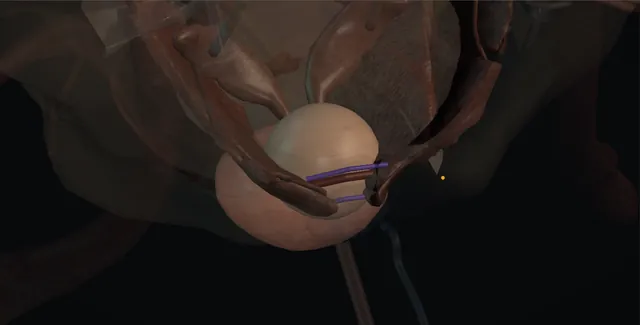
The hundred-gram gland: the dorsal venous complex stitched above and below, a transverse capsulotomy, the adenoma swept off the capsule and pinched off at the apex, sutures at five and seven o'clock, and the capsule closed over a three-way catheter.
View in 3D Animated lesson in AR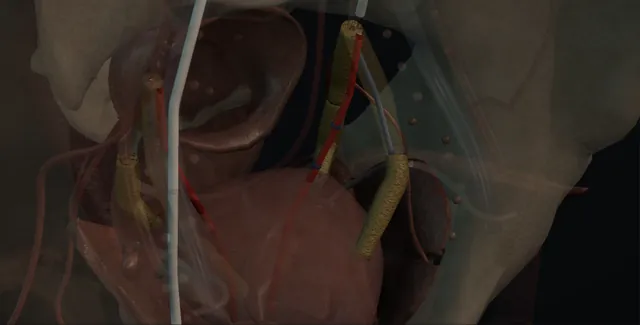
The CT angiogram is the operation: over the bifurcation into the anterior division, the prostatic artery found where it was drawn, cone-beam CT for the branch to rectum, bladder or penis, microspheres to stasis, and the other side.
View in 3D Animated lesson in AR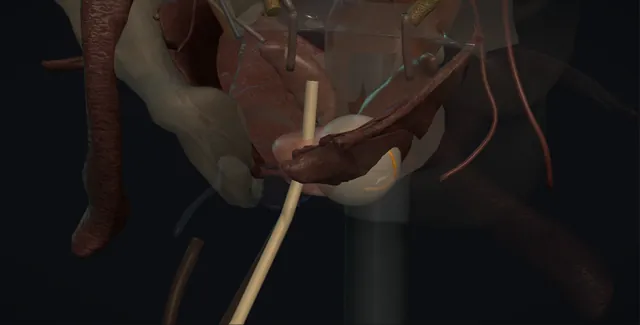
The lesion and its margin, short of the rectal wall, the urethra and the sphincter: HIFU from the rectum or cryotherapy from the perineum with the urethral warmer running, watched at the edges, the other side and the bundle spared.
View in 3D Animated lesson in AR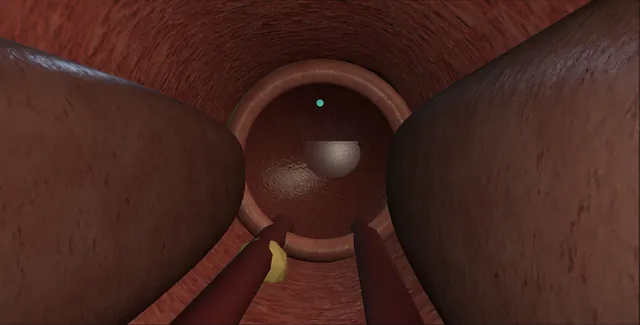
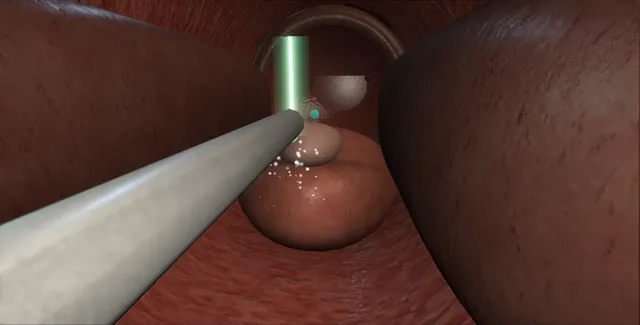
Kidney
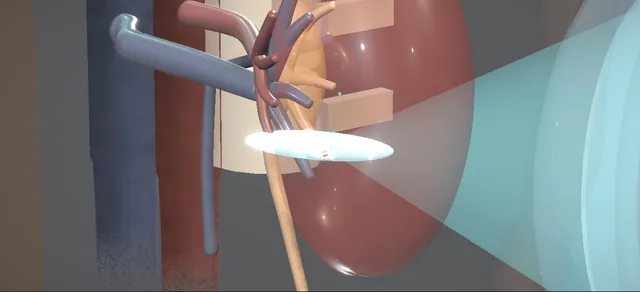
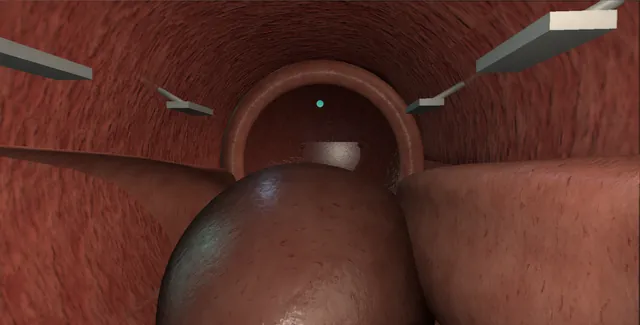
A lower-pole stone broken from outside: coupling, targeting, the energy ramp, fragmentation, and what the fragments do next.
View in 3D Animated lesson in AR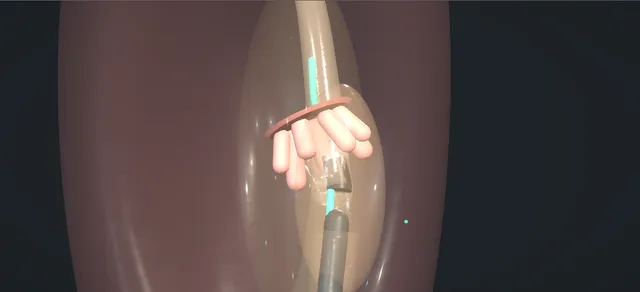
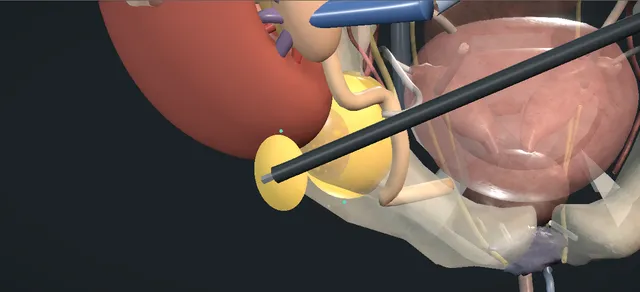
A collection between the graft and the bladder: the fluid creatinine against the serum, a percutaneous drain, and when it comes back a laparoscopic peritoneal window cut away from the transplant ureter.
View in 3D Animated lesson in AR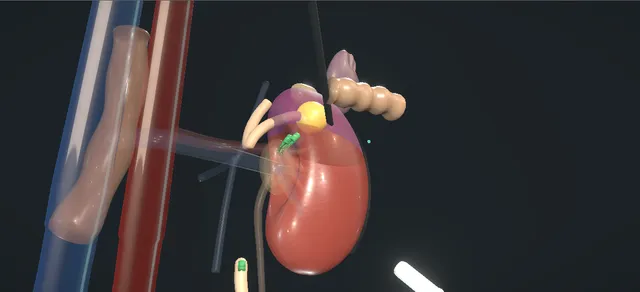
The non-functioning kidney removed laparoscopically through three small ports, then the upper-pole heminephrectomy of a duplex kidney with the lower moiety kept.
View in 3D Animated lesson in AR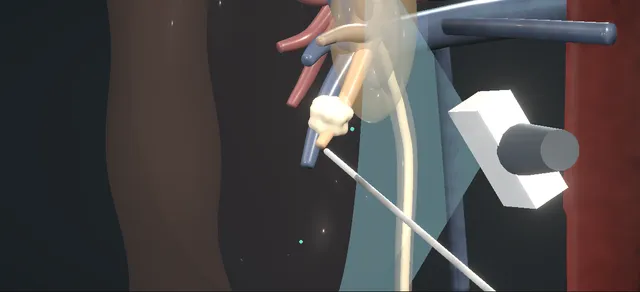
A child with a stone: ultrasound and the metabolic screen, the route by size and site, an ultrasound-guided mini-PCNL with one small tract and the washout, and ureteroscopy for a lower-ureteric stone.
View in 3D Animated lesson in AR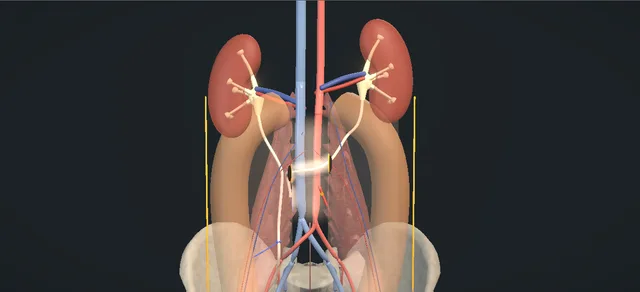
One ureter joined to the other: the donor divided above the disease, drawn through a tunnel in front of the great vessels above the inferior mesenteric artery, and sewn end to side to the recipient.
View in 3D Animated lesson in AR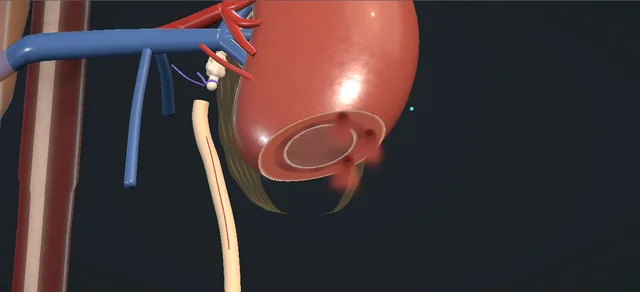
No pelvis left to rebuild: the lower pole amputated to lay the dilated calyx open, the healthy ureter spatulated and sewn to it mucosa to mucosa over a stent.
View in 3D Animated lesson in AR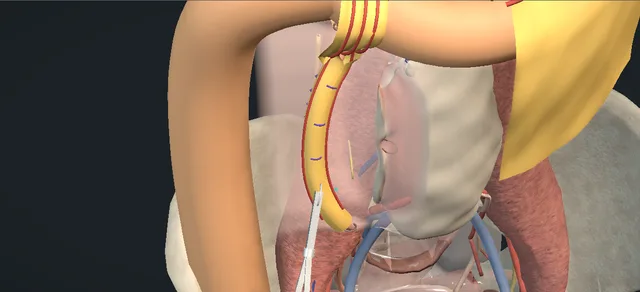
The ureter trapped in retroperitoneal fibrosis: found above the plaque, biopsied, freed from above downwards with its adventitia on it, laid in the peritoneal cavity and wrapped in omentum.
View in 3D Animated lesson in AR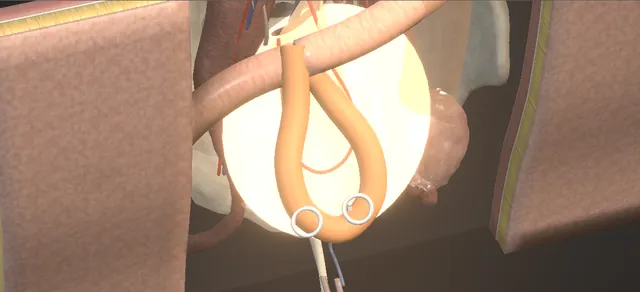
A long ureteric loss replaced with ileum on its pedicle: chosen against the light, laid isoperistaltic, joined to the pelvis and the bladder. The pedicle is the operation.
View in 3D Animated lesson in AR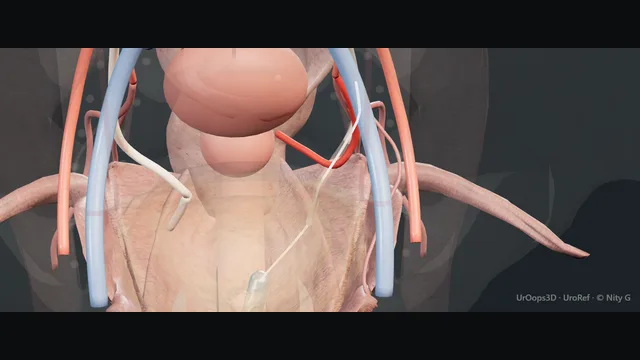
Where the uterine artery crosses and at the brim: blue dye and a retrograde on the table, the clip off, the burn excised, the late urinoma drained and a nephrostomy placed, and repair by level when the patient is ready for it.
View in 3D Animated lesson in AR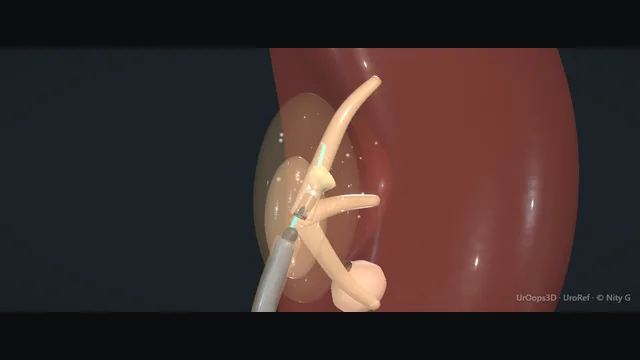
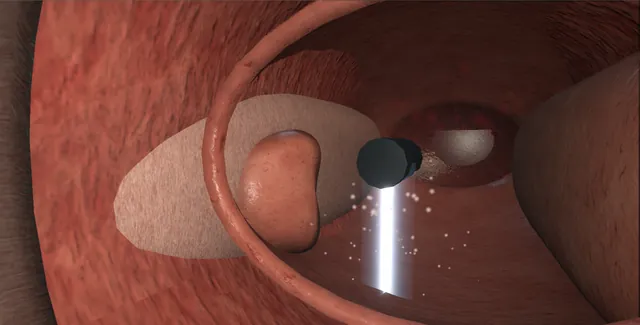
Access sheath, systematic calyx mapping, lower-pole dusting. Perforation, pressure-driven backflow and the bleed that takes the view.
View in 3D Animated lesson in AR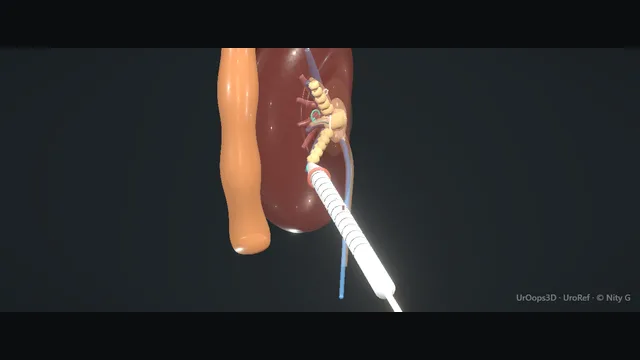
CT planning, calyceal puncture, tract dilation, clearance and drainage. Pleura, colon and the bleed that needs embolisation.
View in 3D Animated lesson in AR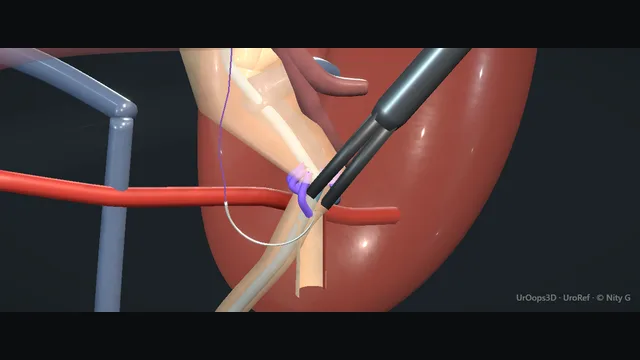
The crossing vessel at the PUJ, dismembering, transposition and the anastomosis over a stent.
View in 3D Animated lesson in AR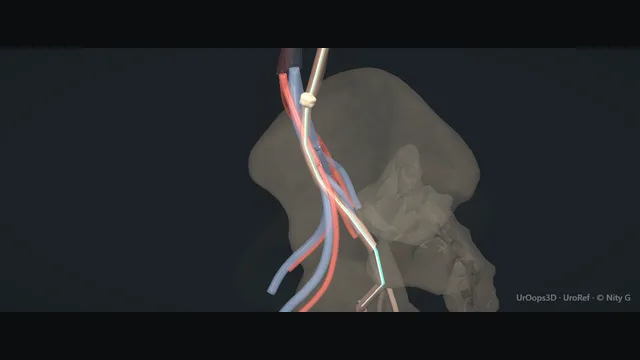
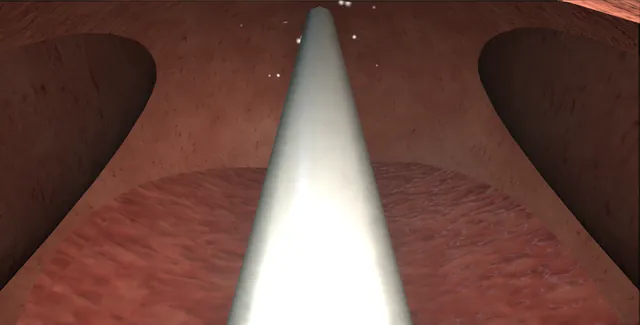
Safety wire first, a second wire through the semirigid scope, the ureter tented on both and the scope railroaded up the left ureter. Dusting, never large fragments; clearance by gravity, basket if needed; a selective stent. Perforation, avulsion and the impacted stone.
View in 3D Animated lesson in AR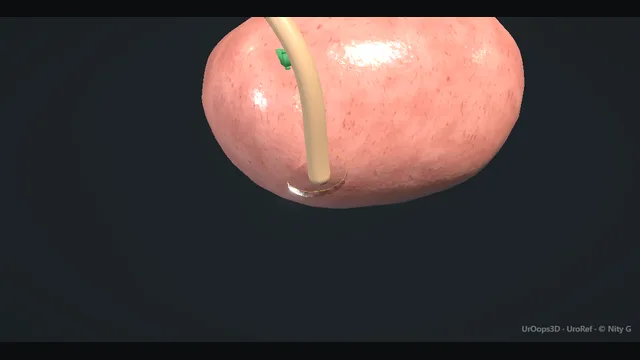
Kidney and whole ureter with a true bladder cuff. No-touch, because spillage seeds.
View in 3D Animated lesson in AR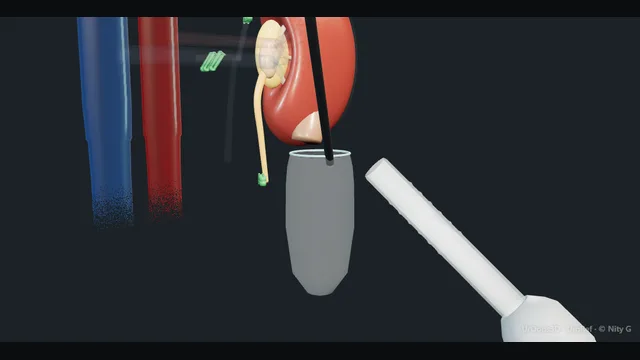
The left kidney off Gerota with the colon reflected, the gonadal vein as the road to the hilum, the golden triangle kept on the ureter, the adrenal and lumbar veins clipped, the artery clipped close to the aorta, the vein stapled flush with the cava, and clip to ice.
View in 3D Animated lesson in AR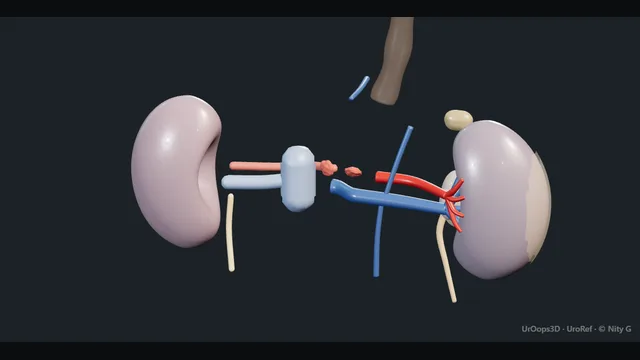
Brain death or circulatory death and their two clocks: the aorta and cava slung and cannulated, cross-clamp and cold perfusion, ice around every organ, the kidneys en bloc with Gerota on and the ureters long, then separated on the bench, packed and documented.
View in 3D Animated lesson in AR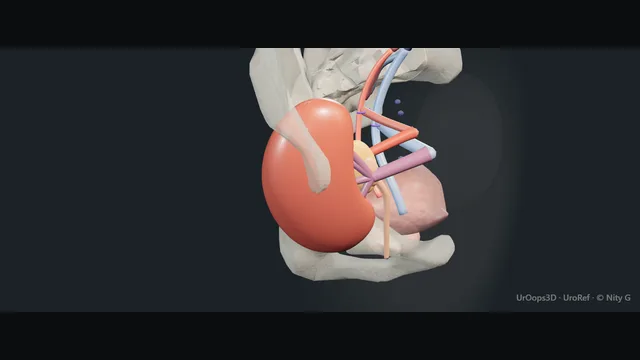
The kidney off the bench into the right iliac fossa: the lymphatics tied, the vein end to side, the artery on its patch, the reperfusion that pinks and passes urine within minutes, and the ureter into the bladder over a stent.
View in 3D Animated lesson in AR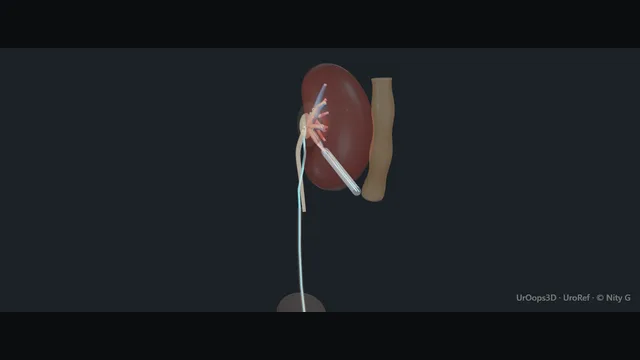
Supine, one position, two scopes: retrograde and percutaneous at the same time. The colon moves when the patient does.
View in 3D Animated lesson in AR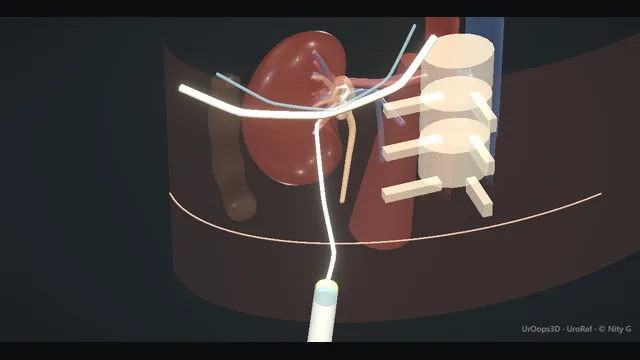
Decompression of the obstructed system through a posterior calyx. Retrorenal colon, segmental arteries and the transpleural line.
View in 3D Animated lesson in AR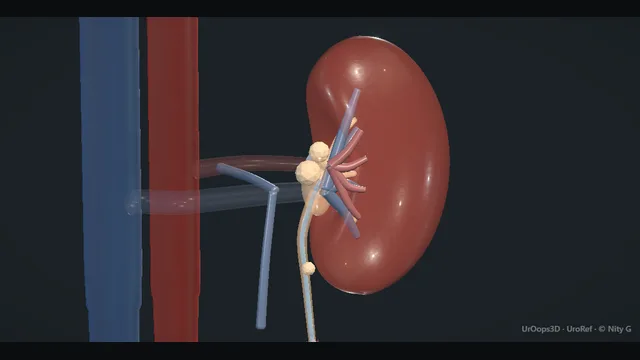
The stent that never came back, crusted from both ends. Decrustation, staged removal and the register that prevents it.
View in 3D Animated lesson in AR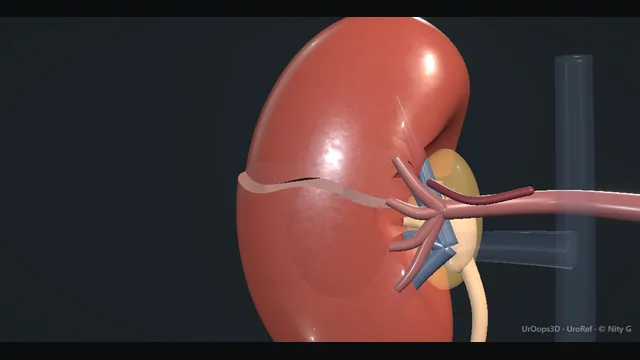
One kidney, five grades and the decisions between them: embolise, explore or watch. The case that teaches the thresholds.
View in 3D Animated lesson in AR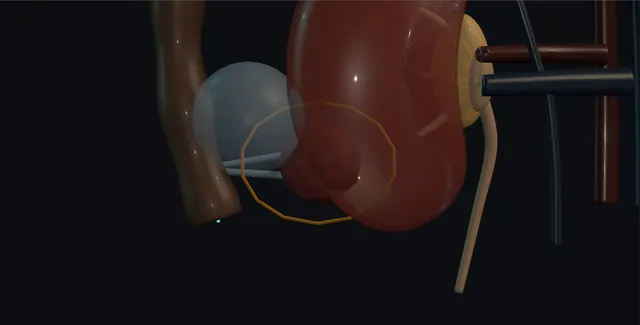
The small posterior mass in the wrong patient for surgery: biopsy first, the colon floated away with fluid, two or three probes through the mass to its far edge, the ice ball watched past the margin and against the collecting system, and the track ablated on the way out.
View in 3D Animated lesson in AR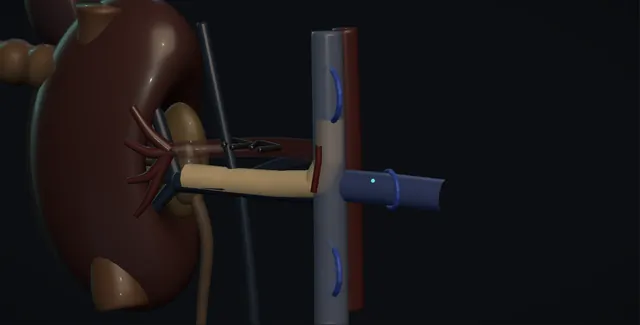
The tongue of tumour up the vein and into the cava: the level on MRI sets the team, the artery ligated first, three loops on the cava below, the other renal vein and the cava above, clamps in order, the cavotomy up the anterior wall, the thrombus out whole and the cava closed wide.
View in 3D Animated lesson in AR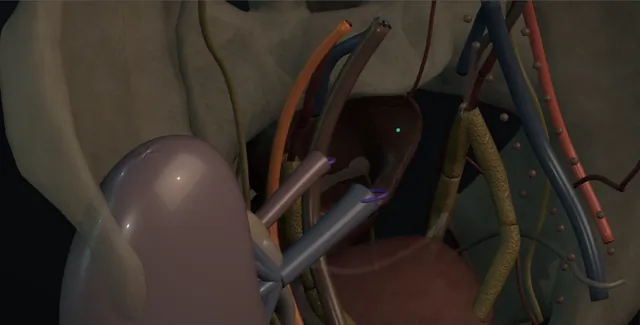
A donor nephrectomy and a transplant on the same patient: the vessels taken long, the aneurysm or the artery repaired cold on the bench under loupes, vein then artery in the iliac fossa, a Doppler on every branch, and the pelvis sewn to the bladder when there is no ureter.
View in 3D Animated lesson in AR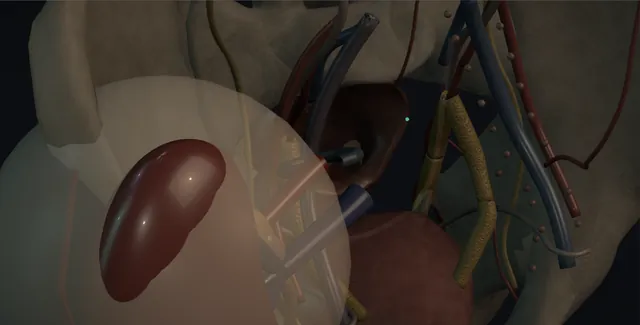
The failed graft that hurts, bleeds or infects, through the old Gibson scar: the subcapsular plane, the graft shelled out with the finger, the hilum clamped as one and oversewn in two layers with the iliac vessels a blind clamp away, the ureter tied near the bladder, the capsule left behind.
View in 3D Animated lesson in AR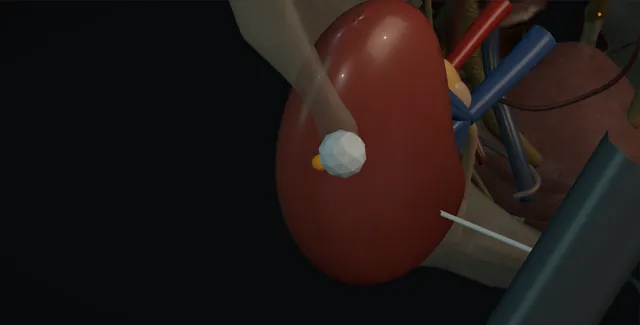
A creatinine up a fifth and only the tissue tells rejection from the drug, the virus or the recurrence: the superficial graft under ultrasound, cortex at a pole away from the hilum, a two centimetre throw along the cortex, two cores checked for glomeruli, then bed rest and the haemoglobin.
View in 3D Animated lesson in AR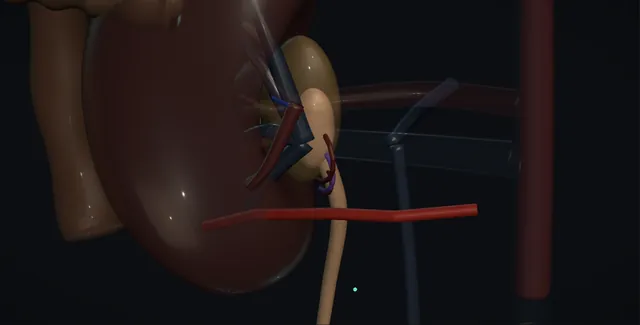
The pelvis too big because the junction will not empty, operated on for symptoms, falling function or growth: the ureter by its adventitia, the lower-pole crossing vessel found and kept, the junction excised, the pelvis reduced, the ureter spatulated and joined dependently over a stent with 6-0 or 7-0.
View in 3D Animated lesson in AR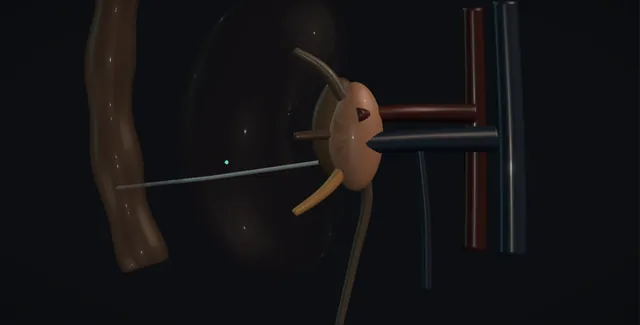
Stone, fever and a falling pressure: sepsis six and the call to drain made at the same time, CT without contrast, prone under local for the posterior lower calyx below the twelfth rib or a stent from below under anaesthetic, minimum contrast, the pus out tonight and the stone treated weeks later.
View in 3D Animated lesson in AR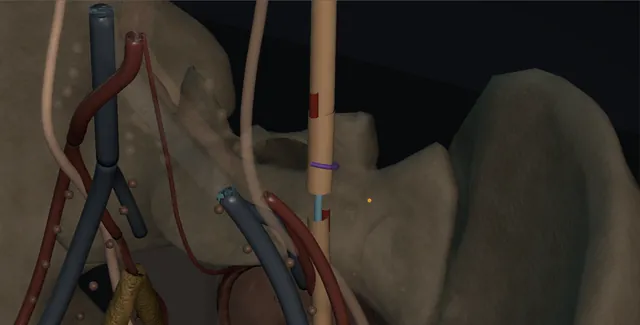
The short mid-ureteric stricture: the ureter mobilised enough to meet and no more, excised to bleeding ends, spatulated on opposite sides, joined over a stent without tension, and wrapped in omentum or fat.
View in 3D Animated lesson in AR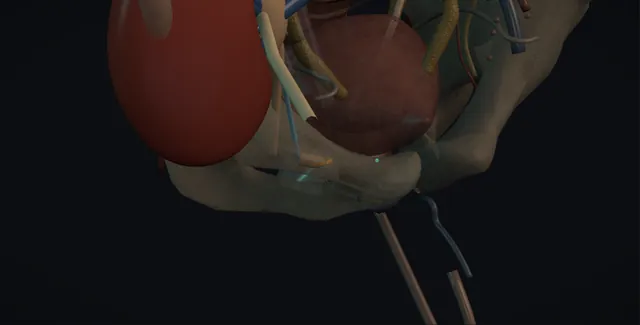
The ureter with the worst blood supply of any: the leak early, the stricture late, a nephrostomy and an antegrade stent first, then a redo reimplant, the native ureter to the graft pelvis, or a Boari flap up to the graft.
View in 3D Animated lesson in AR
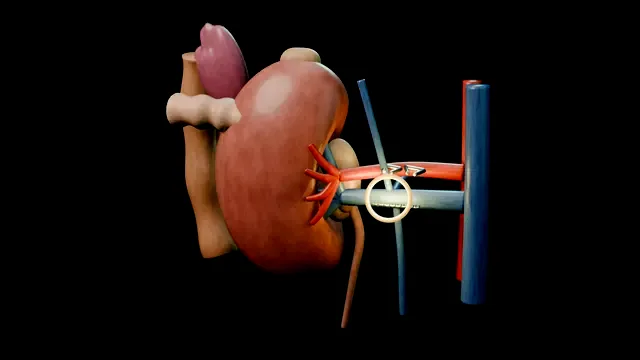
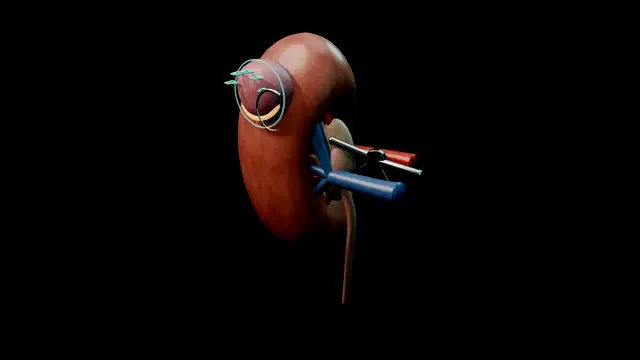
Other areas
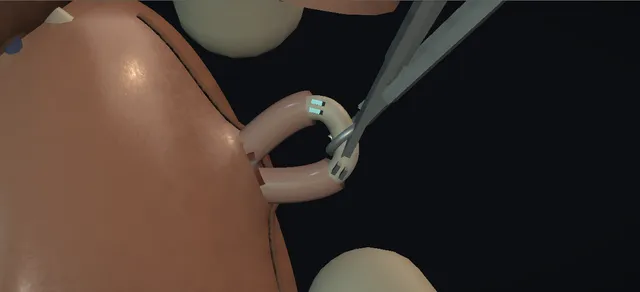
One midline puncture, each vas delivered and confirmed, clipped, divided, cauterised and buried in its sheath at one end.
View in 3D Animated lesson in AR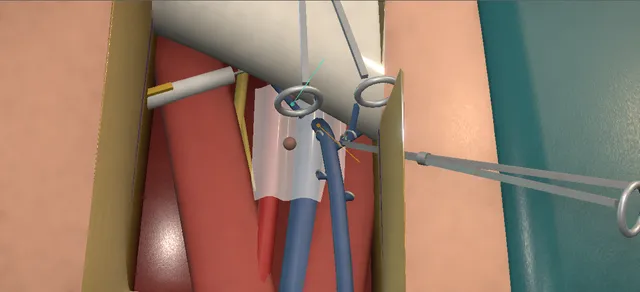
A radical open groin dissection for penile cancer: thick flaps, the packet from below, the saphenous vein kept, the deep nodes and Cloquet, the sartorius transposed.
View in 3D Animated lesson in AR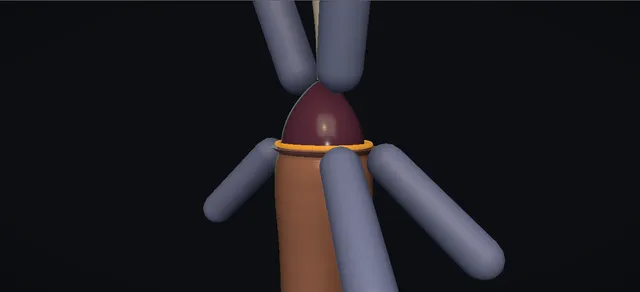
Compression and manual reduction under a block; punctures and a dorsal slit of the band when it fails; a ring or hair tourniquet as the differential.
View in 3D Animated lesson in AR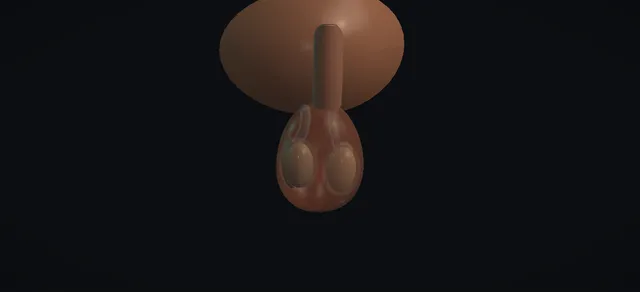
Each vas delivered through one raphe incision, the scar cut out, the testicular fluid checked for sperm, and a two-layer vasovasostomy; the vasoepididymostomy as the no-sperm branch.
View in 3D Animated lesson in AR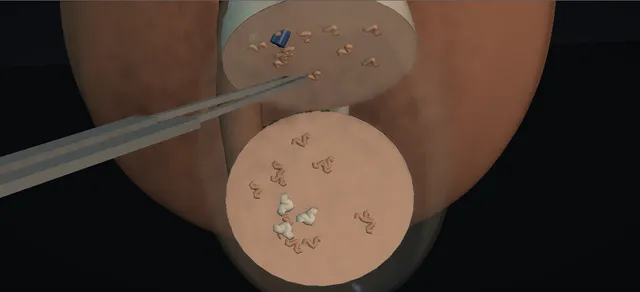
Surgical sperm retrieval in non-obstructive azoospermia: equatorial incision, tubules chosen under the microscope, the embryologist's verdict.
View in 3D Animated lesson in AR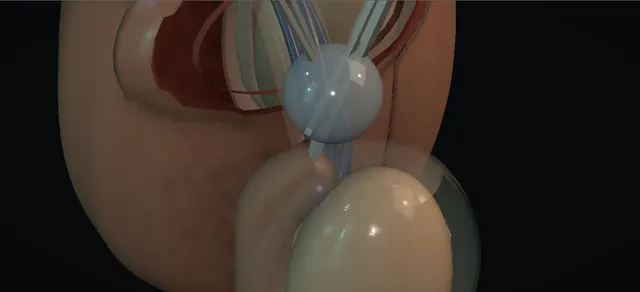
The cyst freed from the head of the epididymis on the cyst wall, its neck tied clear of the testicular vessels; epididymectomy from tail to head.
View in 3D Animated lesson in AR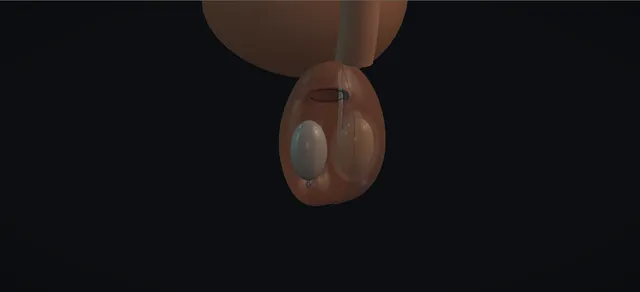
Sized to the other testis, placed in a dependent pouch through a high incision, fixed at the bottom and kept down by a neck purse-string.
View in 3D Animated lesson in AR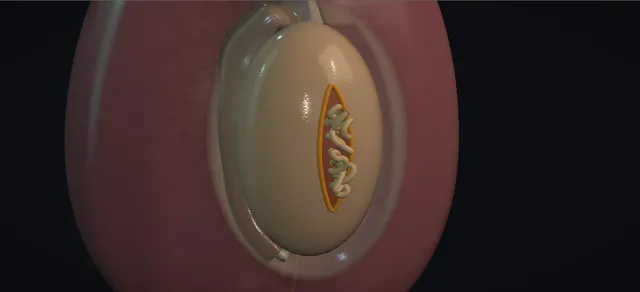
Ultrasound, haematocele evacuated, tubules trimmed, tunica albuginea closed; a flap or orchidectomy when it cannot be.
View in 3D Animated lesson in AR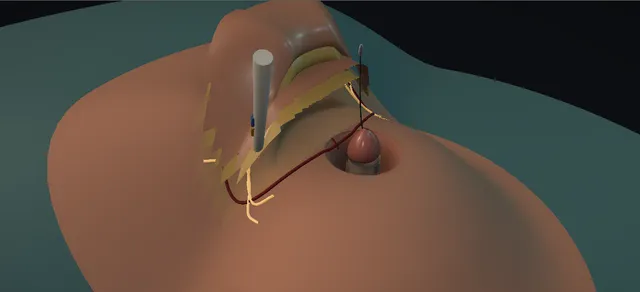
Escutcheonectomy and fixation of the penile base, excision of skin scarred by lichen sclerosus and a split skin graft; graft loss, wound breakdown and reburial as triggers.
View in 3D Animated lesson in AR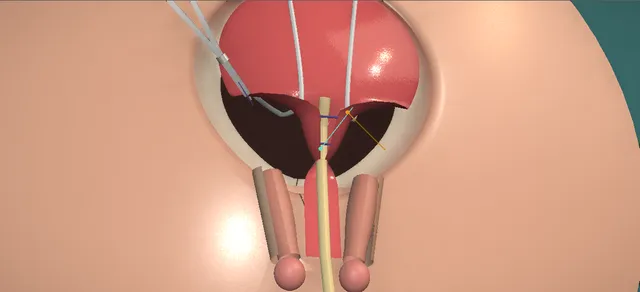
Primary closure in the modern staged repair: the plate freed, the outlet tubularised, the bladder closed and dropped, the pubis brought together after osteotomy.
View in 3D Animated lesson in AR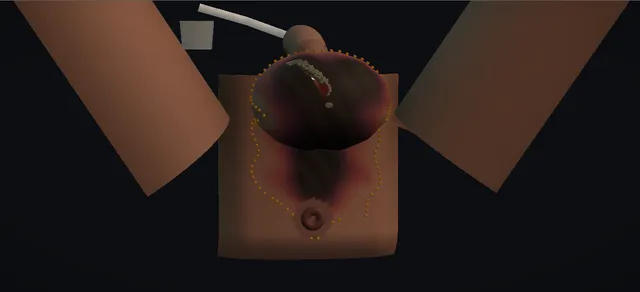
The fascia is worse than the skin: the finger test, excision to bleeding edges, the second look and thigh pouches.
View in 3D Animated lesson in AR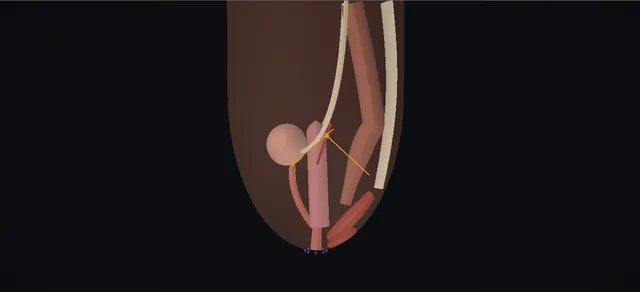
Posterior sagittal repair of a cloaca: the channel length decides, the rectum is separated, the urogenital block comes down whole.
View in 3D Animated lesson in AR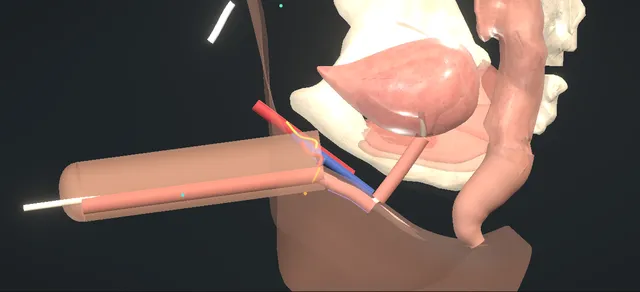
Staged radial forearm phalloplasty: urethral lengthening, the join of pars fixa to pars pendulans, and its complications.
View in 3D Animated lesson in AR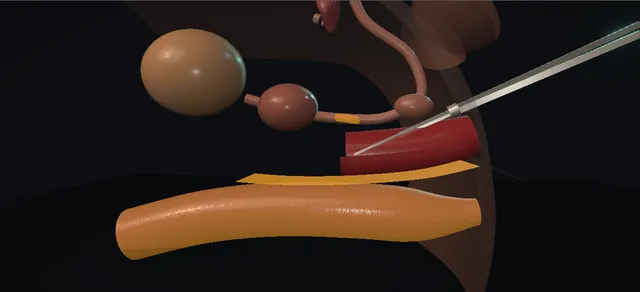
The urological parts of feminising genital surgery: orchidectomy, the rectoprostatic space, the neoclitoris, the new meatus and the skin-lined canal; rectal injury, meatal stenosis and spraying as triggers.
View in 3D Animated lesson in AR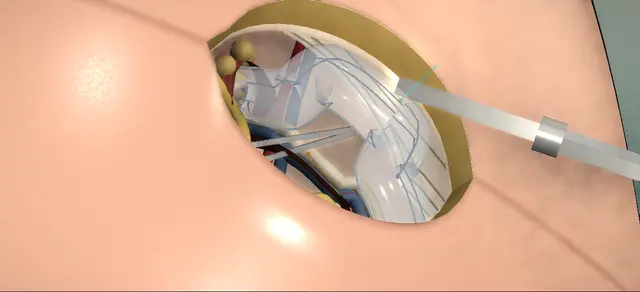
Herniotomy in an infant: the canal opened along its fibres, the nerve kept, the sac freed from the vas and the vessels and tied at the deep ring.
View in 3D Animated lesson in AR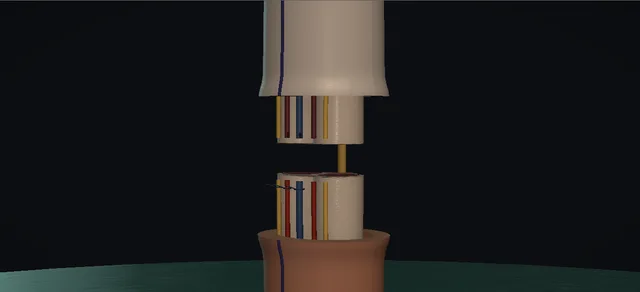
The part out of iced water, the two cut faces lined up on a catheter, then joined from the inside out: corpora, urethra, vein, artery, nerve, skin.
View in 3D Animated lesson in AR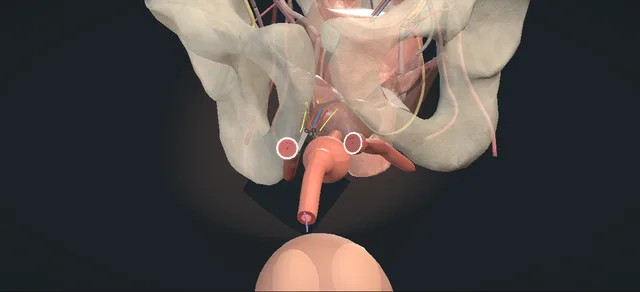
The whole penis for a cancer too proximal for a stump. Urethra divided long, each crus divided and closed, the end drawn beneath the scrotum to a wide perineal opening.
View in 3D Animated lesson in AR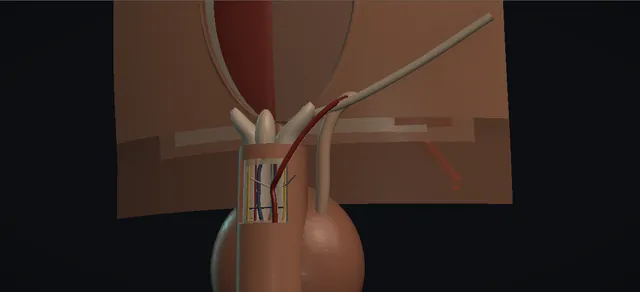
Inferior epigastric artery to the dorsal artery, end to side under the microscope. Selection is the operation; a twist in the tunnel is the failure.
View in 3D Animated lesson in AR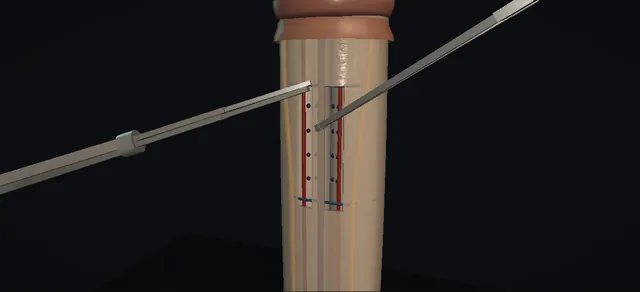
Sixteen dots either side of the deep dorsal vein, four sutures through tunica only, folds that take the bend out. The second erection is the proof.
View in 3D Animated lesson in AR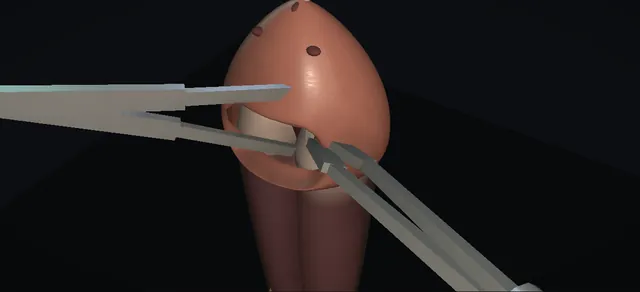
The open shunt after the ladder has failed: a transverse glans incision, a window in each corporal tip, bright blood as the endpoint.
View in 3D Animated lesson in AR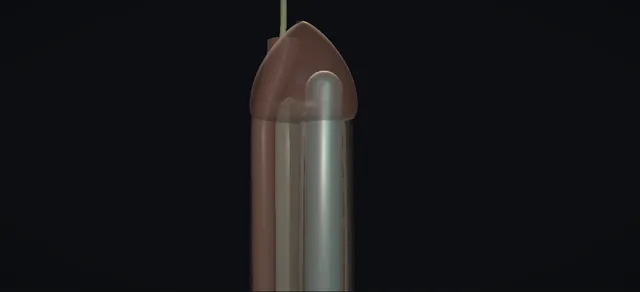
One rod in each corpus and nothing else. The lateral wall, the two readings, the fold and the bend.
View in 3D Animated lesson in AR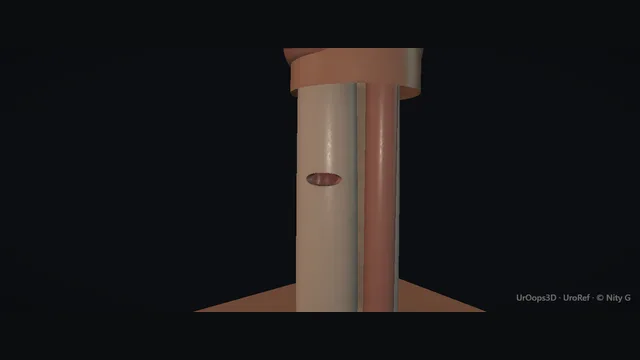
The buckling moment, the tear in the ventrolateral tunica, the degloving that finds it.
View in 3D Animated lesson in AR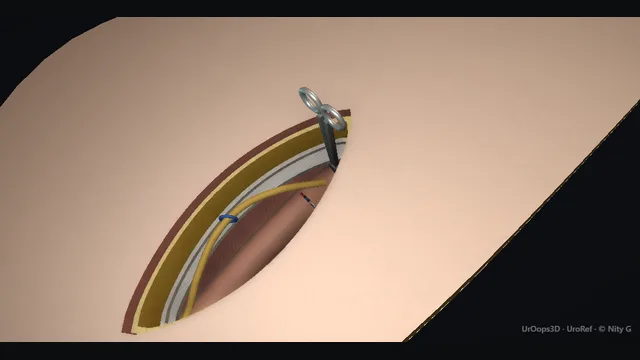
Inguinal, never scrotal: delivery through the canal, high ligation at the internal ring, the ilioinguinal nerve on the cord.
View in 3D Animated lesson in AR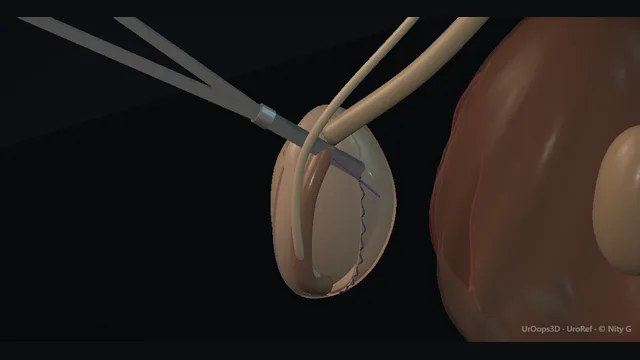
Drain, evert the tunica behind the testis and cord, close loosely enough for a little finger. The haematoma is the complication the dressing is for.
View in 3D Animated lesson in AR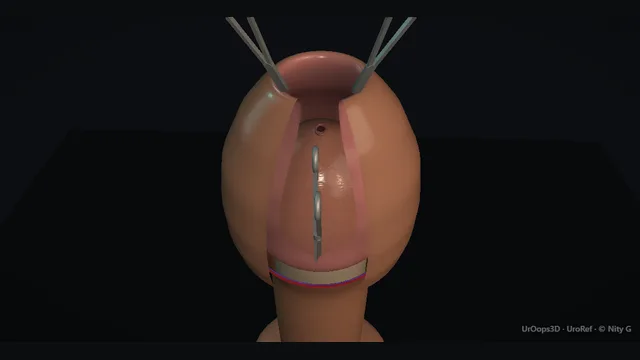
Dorsal slit, frenular artery, sleeve excision and the suture line. Bleeding, glans and urethral injury, meatal stenosis.
View in 3D Animated lesson in AR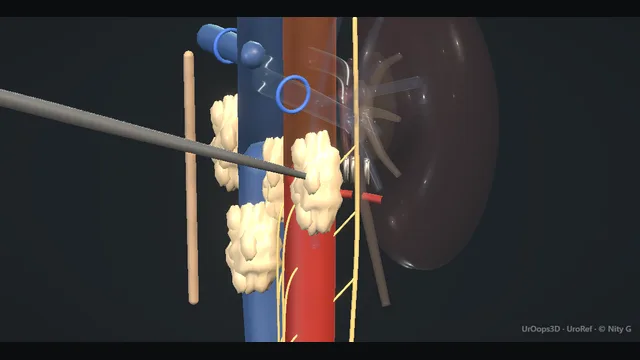
The post-chemo mass on the great vessels. Lumbar veins, sympathetic chains, chyle.
View in 3D Animated lesson in AR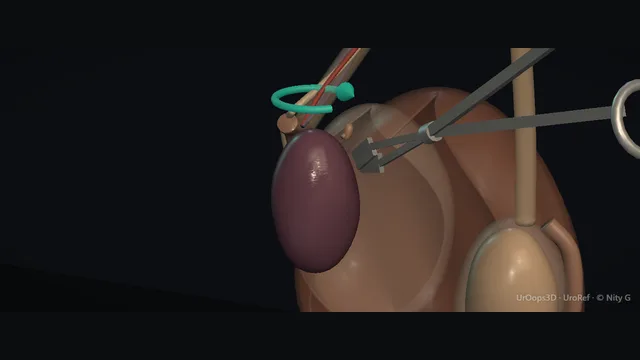
The bell-clapper cord, derotation, the viability decision and bilateral fixation. Time is tissue.
View in 3D Animated lesson in AR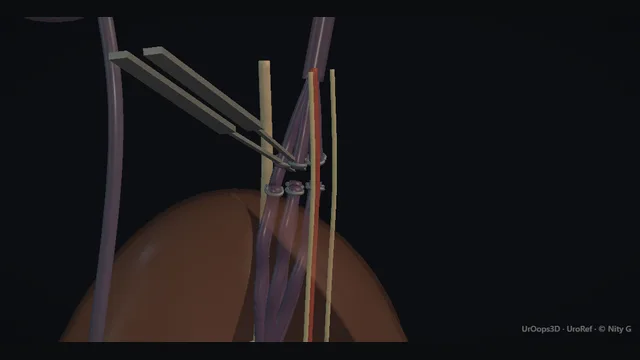
Coils up the vein or ligation below the ring. The lymphatics decide the hydrocele.
View in 3D Animated lesson in AR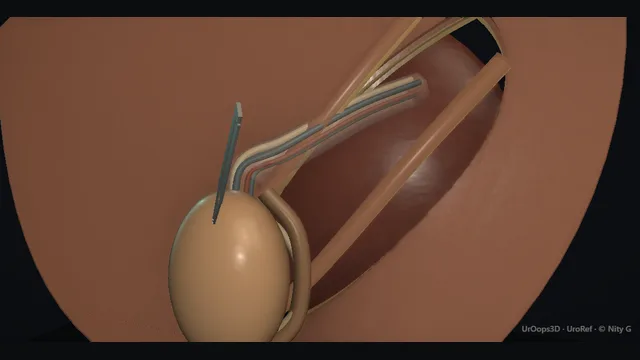
Down the canal without tension into a sub-dartos pouch. The vessels set the limit.
View in 3D Animated lesson in AR
Aspirate, irrigate, sympathomimetic, then the distal shunt. The clock decides the outcome.
View in 3D Animated lesson in AR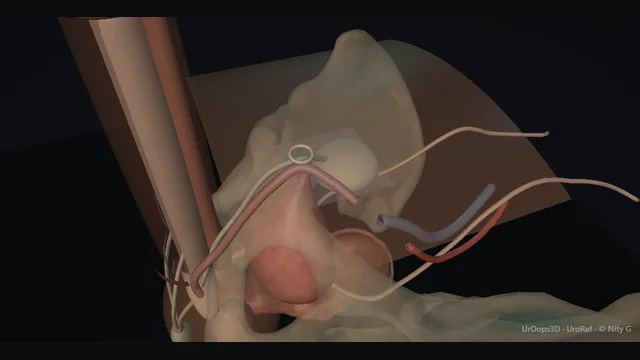
Two cylinders, a pump, a reservoir. Dilation crossover and the paravesical corner.
View in 3D Animated lesson in AR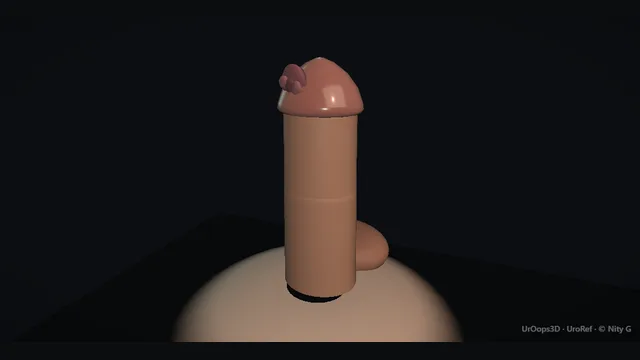
A clear margin with the function that remains. Spatulated urethra, reconstructed tip.
View in 3D Animated lesson in AR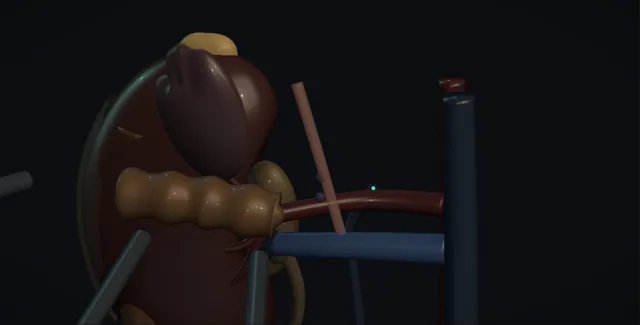
The endocrinologist first, then the spleen and pancreatic tail rotated off the gland as one, the adrenal vein clipped before the gland is disturbed, the gland lifted by its fat and never grasped, into a bag whole, and the short right vein into the back of the cava.
View in 3D Animated lesson in AR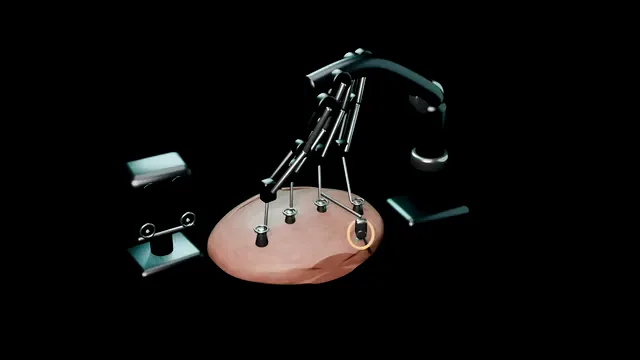
No animations match.
- Play it through. Use the interactive transports to scrub and step through any sequence.
- Orbit and label. Drag to change the view, toggle anatomy layers, labels and transparent mode; where the scene has a scope camera, switch to the surgeon’s view and read the clock face.
- Interrogate the danger moment. Trigger a complication: the scene frames the danger zone and asks you to predict the mechanism and the first move before it reveals.
- Then read the layers. Steps, danger zones, complications, troubleshooting and the FRCS viva sit behind the tabs above each scene.